Button
The platform’s own button, in four variants: accent, secondary, destructive and glass.
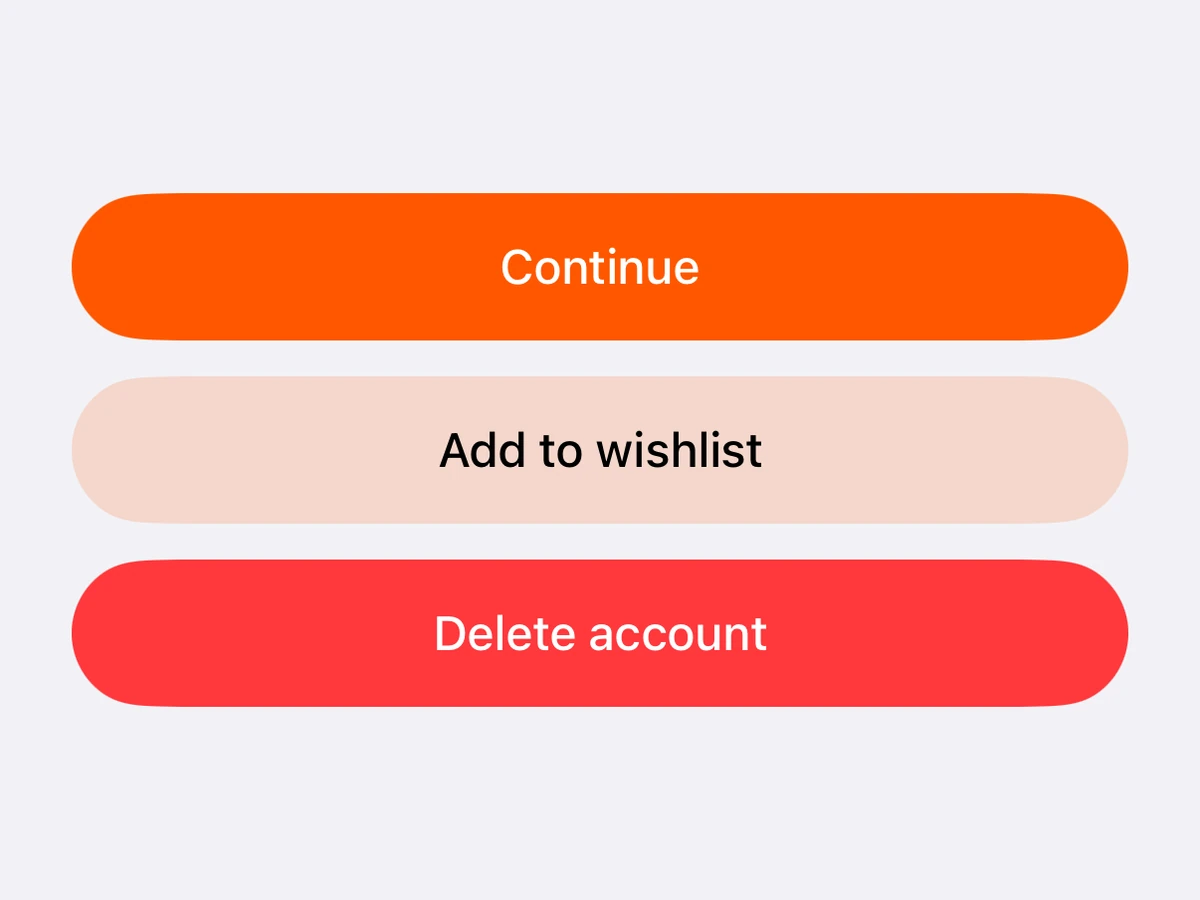
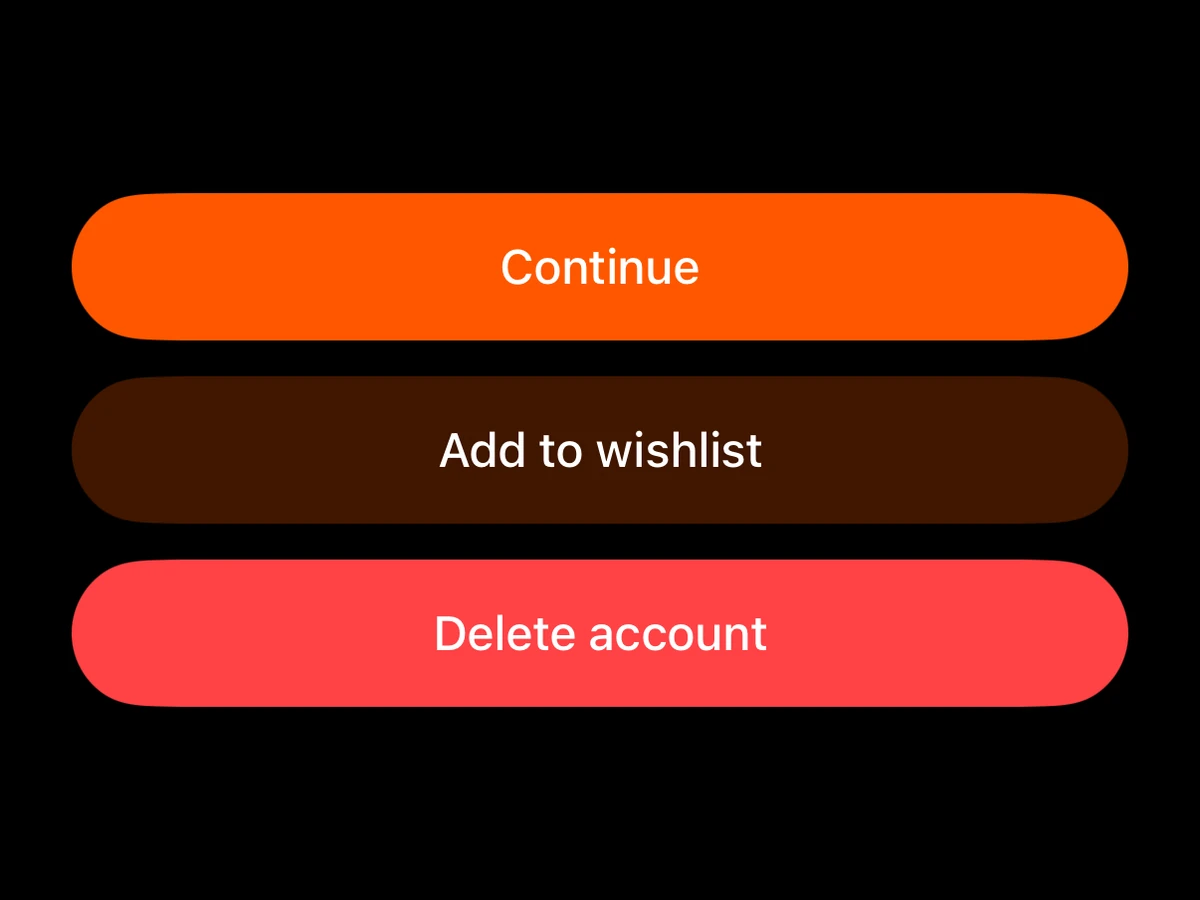
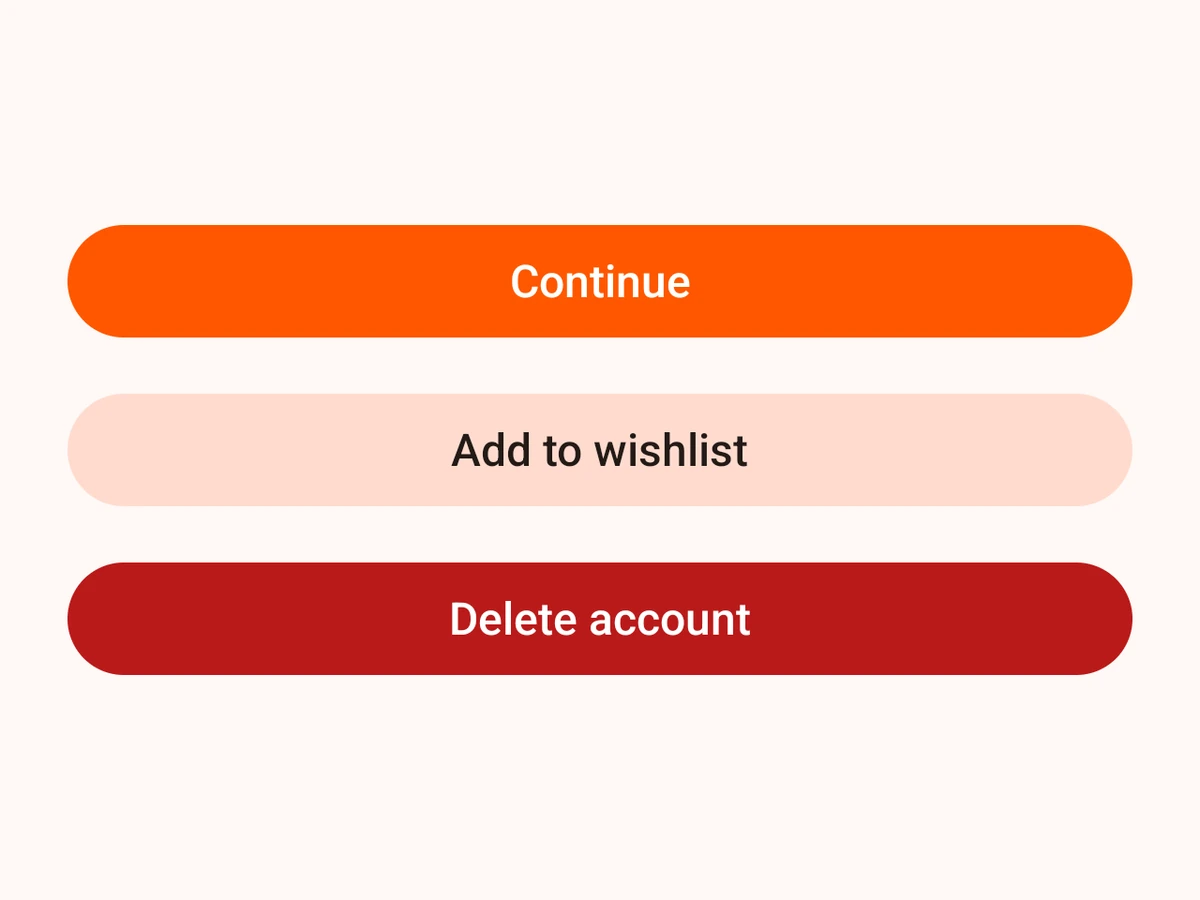
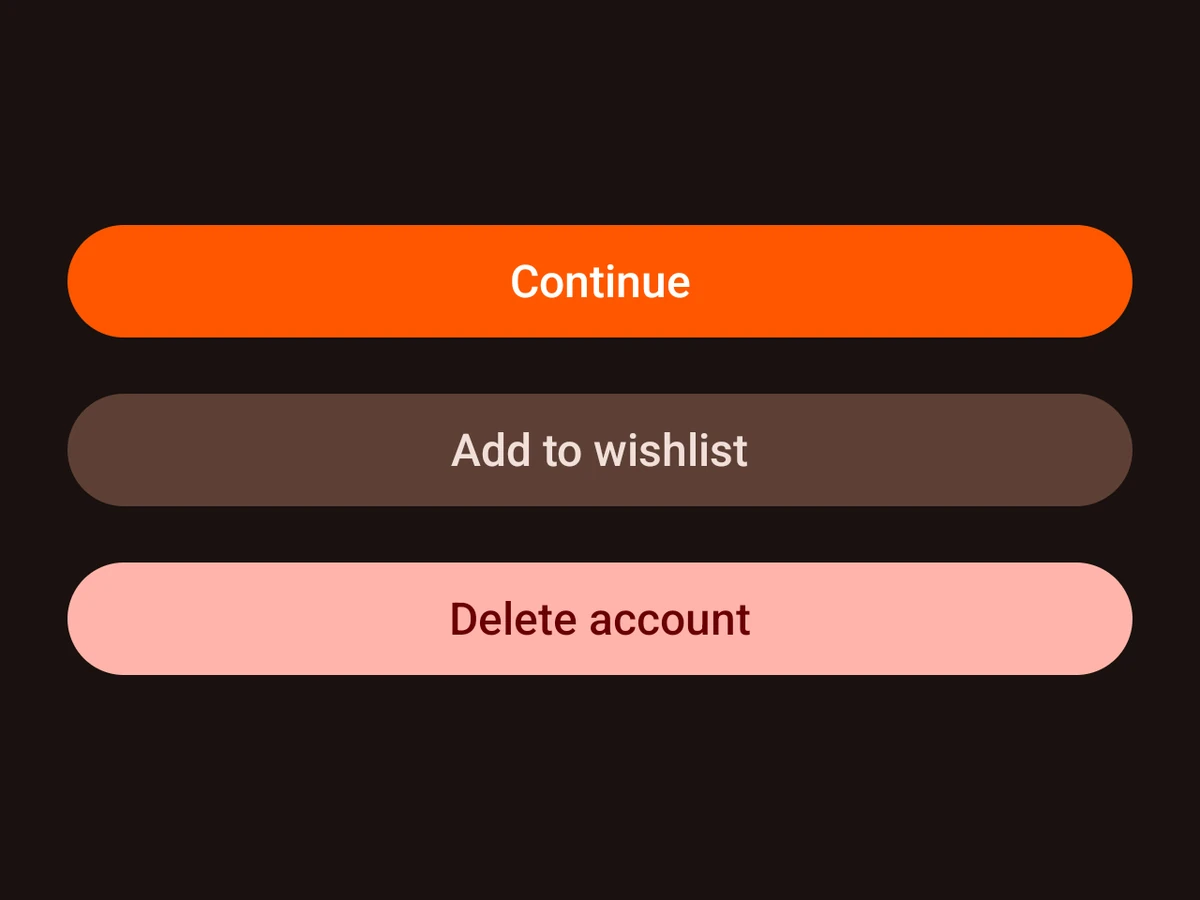
Import
import {Button} from '@hzblj/kara-ui'Examples
Glass
<Button label="Not now" variant="glass" />Tinted, with a SwiftUI button style
<Button buttonStyle="glassProminent" label="Prominent" tint="fill.accent.primary" />Props
A text button — SwiftUI Button on iOS, Material's filled button (outlined for glass) on Android.
| Prop | Type | Default | Description |
|---|---|---|---|
| label* | string | — | The button's text. |
| buttonStyle | 'automatic' | 'bordered' | 'borderedProminent' | 'borderless' | 'glass' | 'glassProminent' | 'plain' | — | Replaces the style the variant picks — |
| controlSize | 'extraLarge' | 'large' | 'mini' | 'regular' | 'small' | iOS 'large' | SwiftUI's control size. |
| disabled | boolean | false | Draws the button in its disabled colours and stops it responding to presses. |
| onPress | () => void | — | Called when the button is pressed. |
| testID | string | — | Test identifier, forwarded to the native view. |
| tint | ColorToken | — | Overrides the variant's own tint. A prominent style takes it as the fill and picks a contrasting label. |
| variant | 'accent' | 'destructive' | 'glass' | 'secondary' | 'accent' | The look. |
| wide | boolean | true | Stretches the button to the full width it is offered. On by default. |
The button's text.
Replaces the style the variant picks — borderedProminent for accent and destructive, bordered for secondary, glass for glass. iOS only — Android ignores it.
SwiftUI's control size. large by default. iOS only — Android ignores it.
Draws the button in its disabled colours and stops it responding to presses.
Called when the button is pressed.
Test identifier, forwarded to the native view.
Overrides the variant's own tint. A prominent style takes it as the fill and picks a contrasting label. glass has to reach the material through glassEffect instead, so tinting one costs it the stock .glass style — see the iOS implementation.
The look. accent by default. Material has no glass, so on Android glass is an outlined button.
Stretches the button to the full width it is offered. On by default.
Platform notes
buttonStyleandcontrolSizeare SwiftUI’s own and iOS only; Android keeps drawing the variant’s tokens.glassis Liquid Glass on iOS 26 and a translucent tonal button on Android.- Any colour token can
tinta button, and the label picks a colour that reads on it.