ListItem
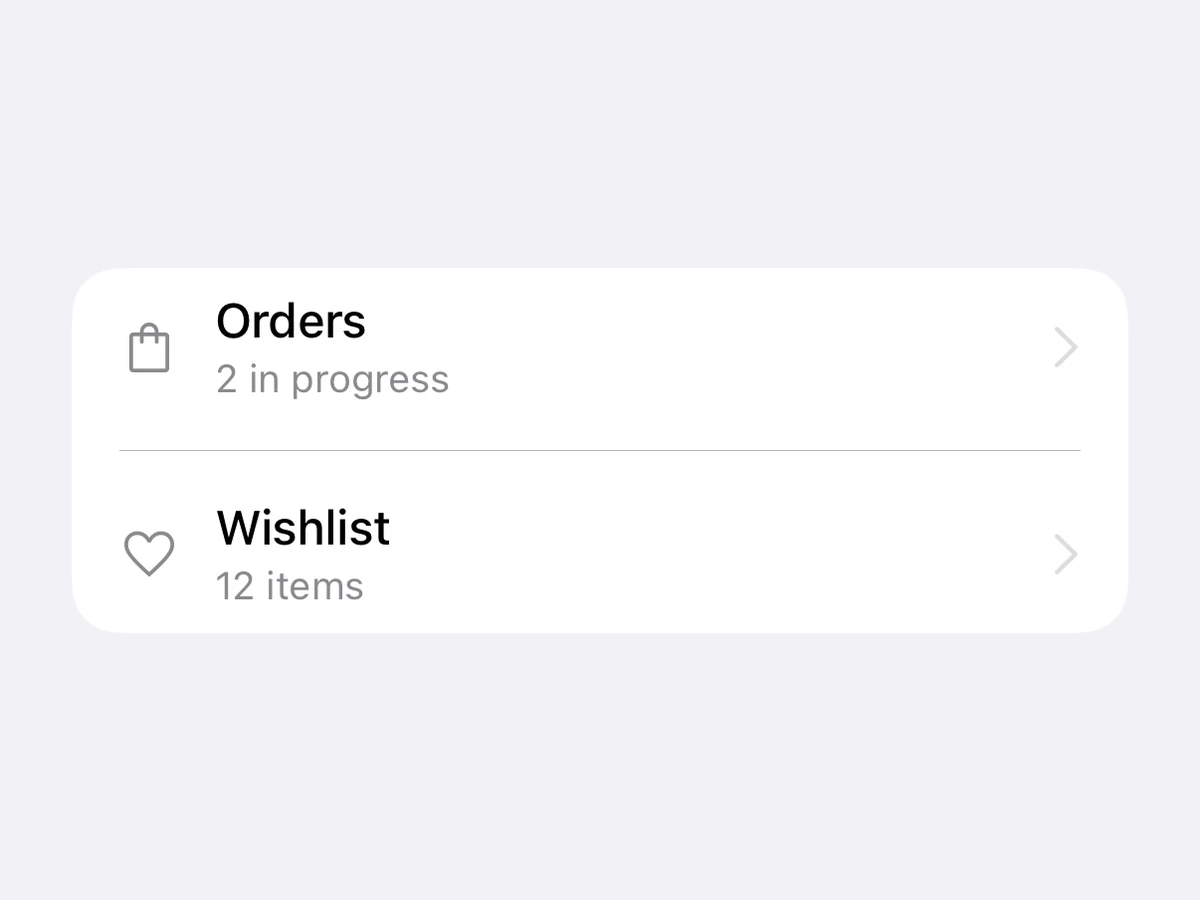
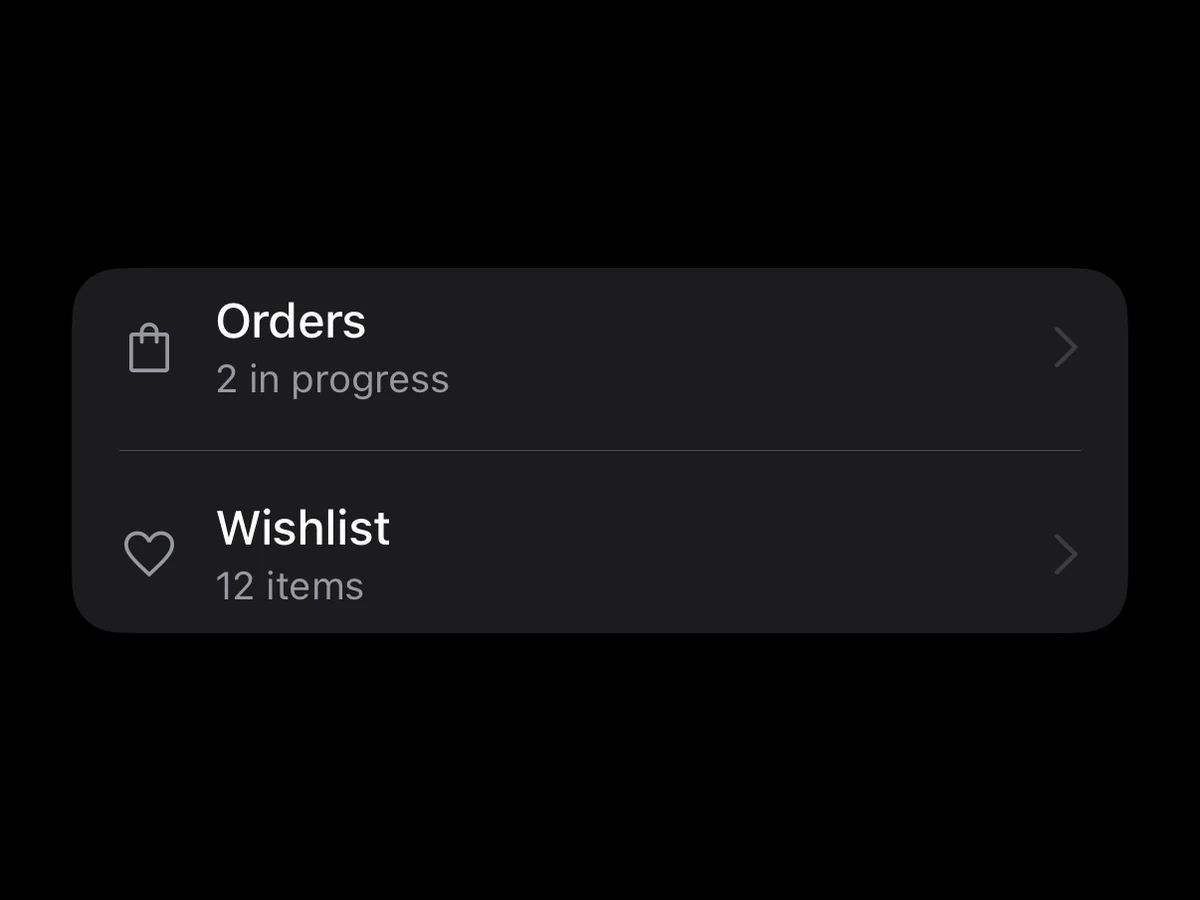
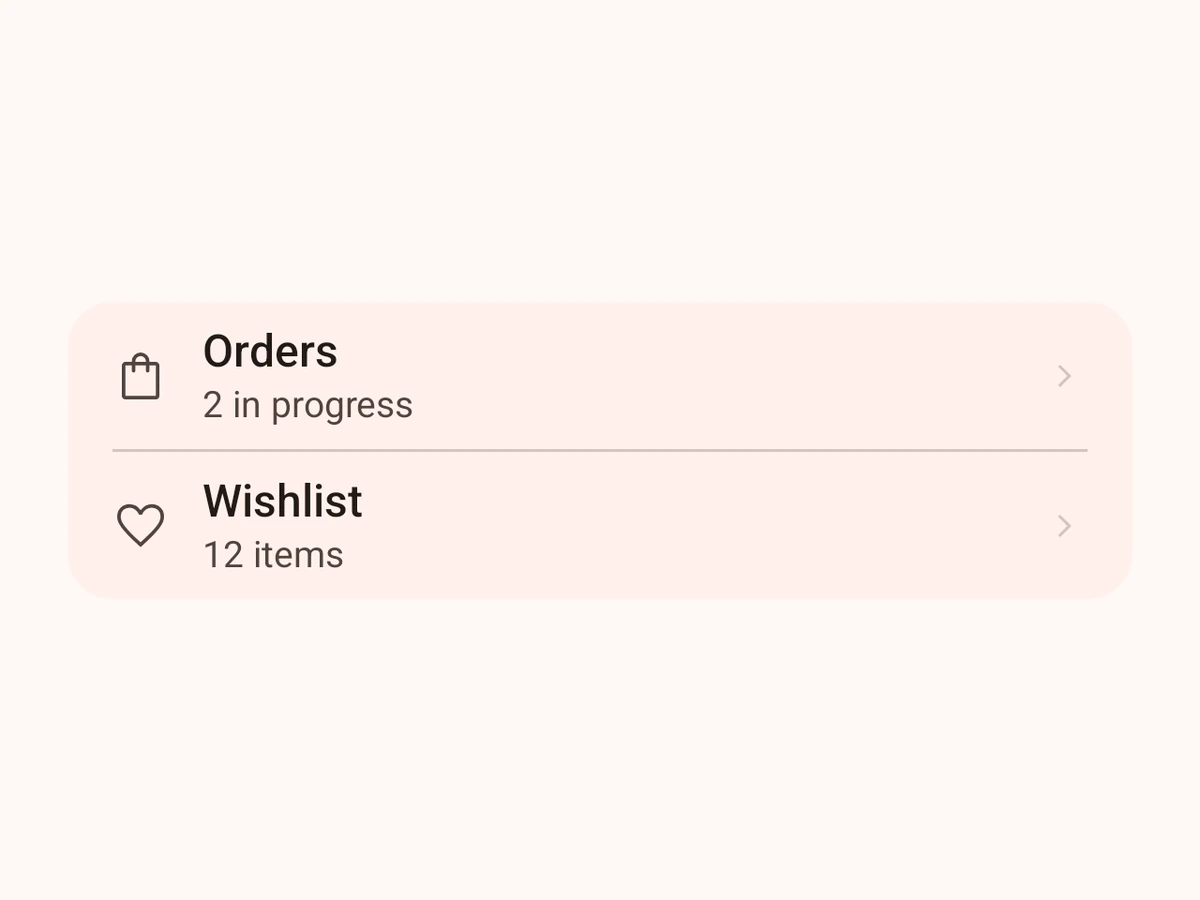
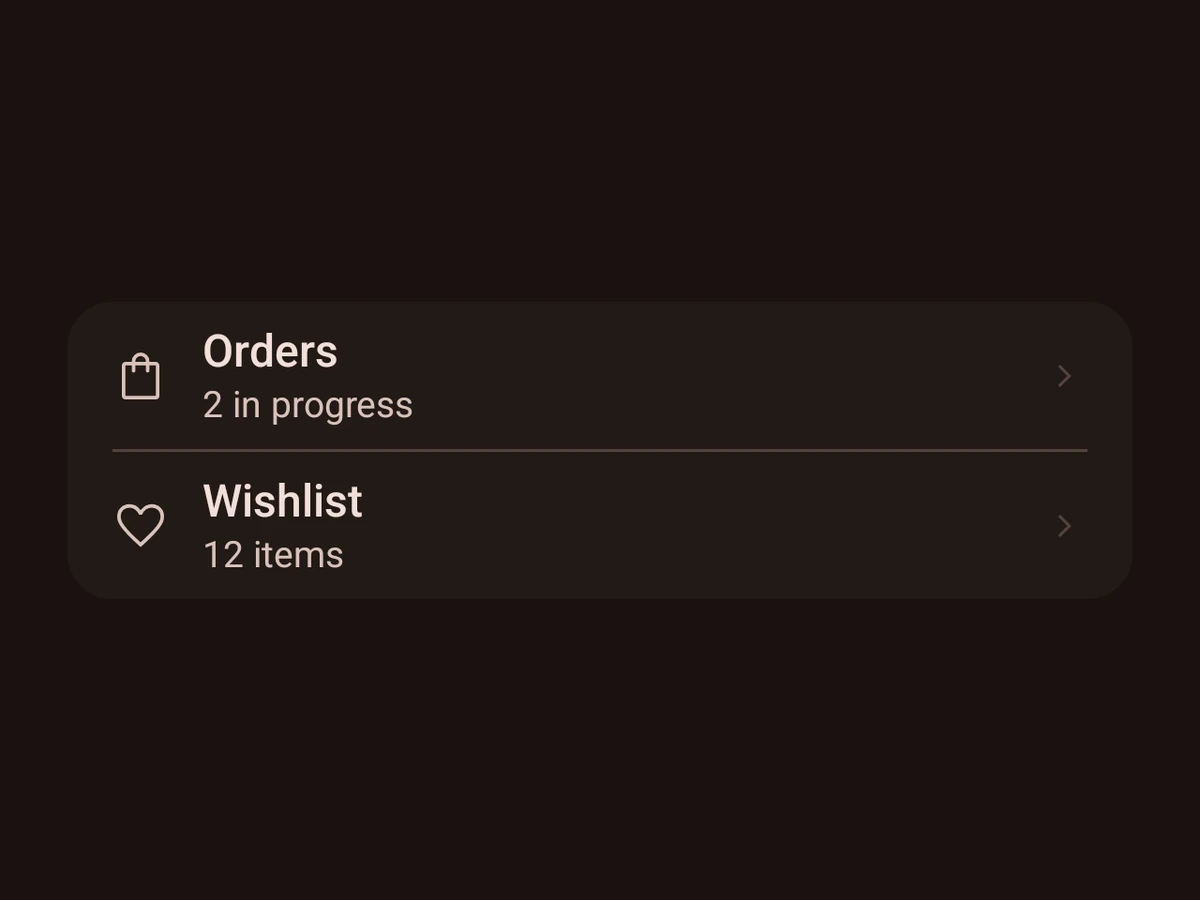
A row with an icon, a title, a subtitle and a chevron.
Import
import {ListItem, RnListItem} from '@hzblj/kara-ui'Props
A row with an optional icon, a title and subtitle, and a chevron when it can be pressed. A native atom — it renders inside <Screen> or <Island>; RnListItem is the same row without a host.
| Prop | Type | Description |
|---|---|---|
| title* | string | The row's main text. |
| icon | IconName | One of the app's icons, before the title, in the secondary colour. |
| onPress | () => void | Makes the row pressable and adds a chevron on the trailing edge. |
| px | SpaceSize | Horizontal padding inside the row — inside its press area too, so Android's ripple reaches the card's edges. For rows in a card of your own; a |
| subtitle | string | A second line under the title, smaller and in the secondary colour. |
| testID | string | Test identifier, forwarded to the row's view. |
The row's main text.
Makes the row pressable and adds a chevron on the trailing edge.
Horizontal padding inside the row — inside its press area too, so Android's ripple reaches the card's edges. For rows in a card of your own; a List insets its rows by itself.
A second line under the title, smaller and in the secondary colour.
Test identifier, forwarded to the row's view.
Platform notes
- Passing
onPressis what earns the row its chevron. RnListItemis the same row in the React Native tier — no host, cheap to mount by the dozen.