ScrollEdgeContainer
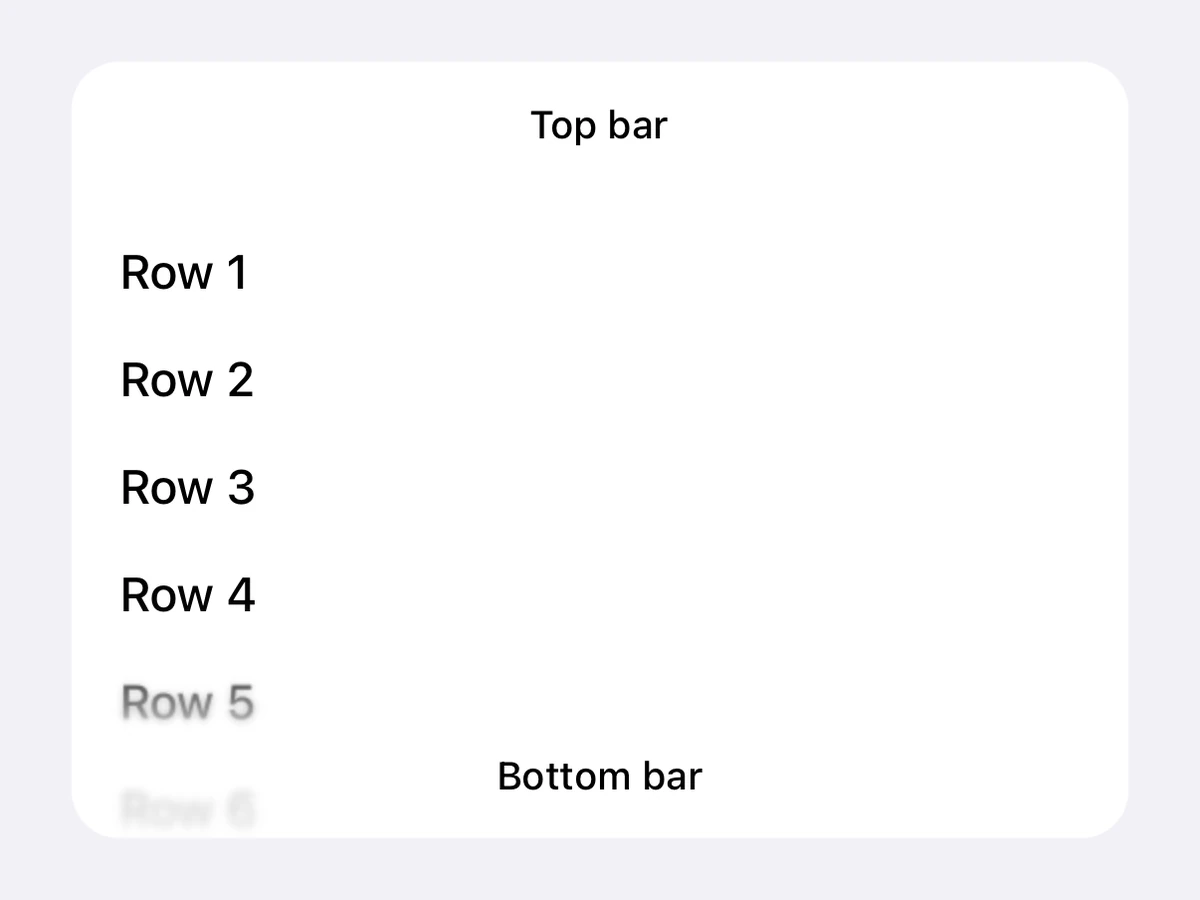
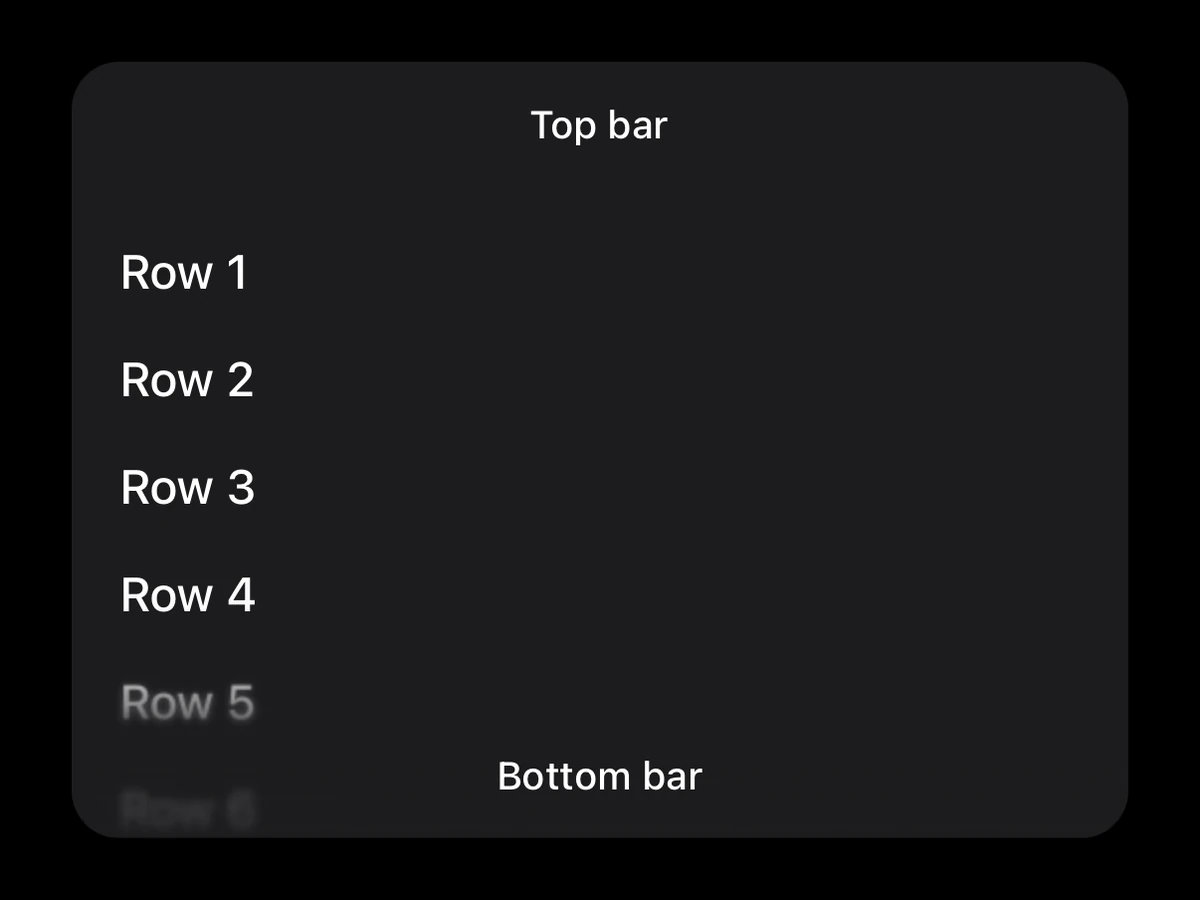
Bars over a scroll view, with the iOS 26 scroll edge effect under them.
Import
import {ScrollEdgeContainer} from '@hzblj/kara-ui'Props
Bars over one React Native scroll view, with the iOS 26 scroll edge effect under them — the system's progressive blur where content scrolls past a bar. The React Native tier: it needs no host.
Also takes the React Native `sx` props.
| Prop | Type | Description |
|---|---|---|
| children* | ReactElement<ScrollEdgeScrollableProps> | Exactly one React Native scroll view — |
| automaticInsets | boolean | iOS: adds the bars' heights to the scroll view's own |
| bottomBar | ReactNode | Laid over the scroll view's bottom edge on iOS; stacked below it on Android, where it wants a background. |
| effect | ScrollEdgeEffect | iOS 26: how hard the edge cuts. |
| testID | string | Test identifier, forwarded to the container view. |
| topBar | ReactNode | Laid over the scroll view's top edge on iOS; stacked above it on Android, where it wants a background. |
Exactly one React Native scroll view — RnScrollView, RnFlatList, RnSectionList.
iOS: adds the bars' heights to the scroll view's own contentInset and starts it at the top of that inset, so the content begins below the top bar and scrolls under it. On by default.
Laid over the scroll view's bottom edge on iOS; stacked below it on Android, where it wants a background.
iOS 26: how hard the edge cuts. soft by default.
Test identifier, forwarded to the container view.
Laid over the scroll view's top edge on iOS; stacked above it on Android, where it wants a background.
Platform notes
- iOS 26 gives both bars the system scroll edge effect — the progressive blur under content scrolling past them.
- Below iOS 26 the bars are still inset, without the effect: check
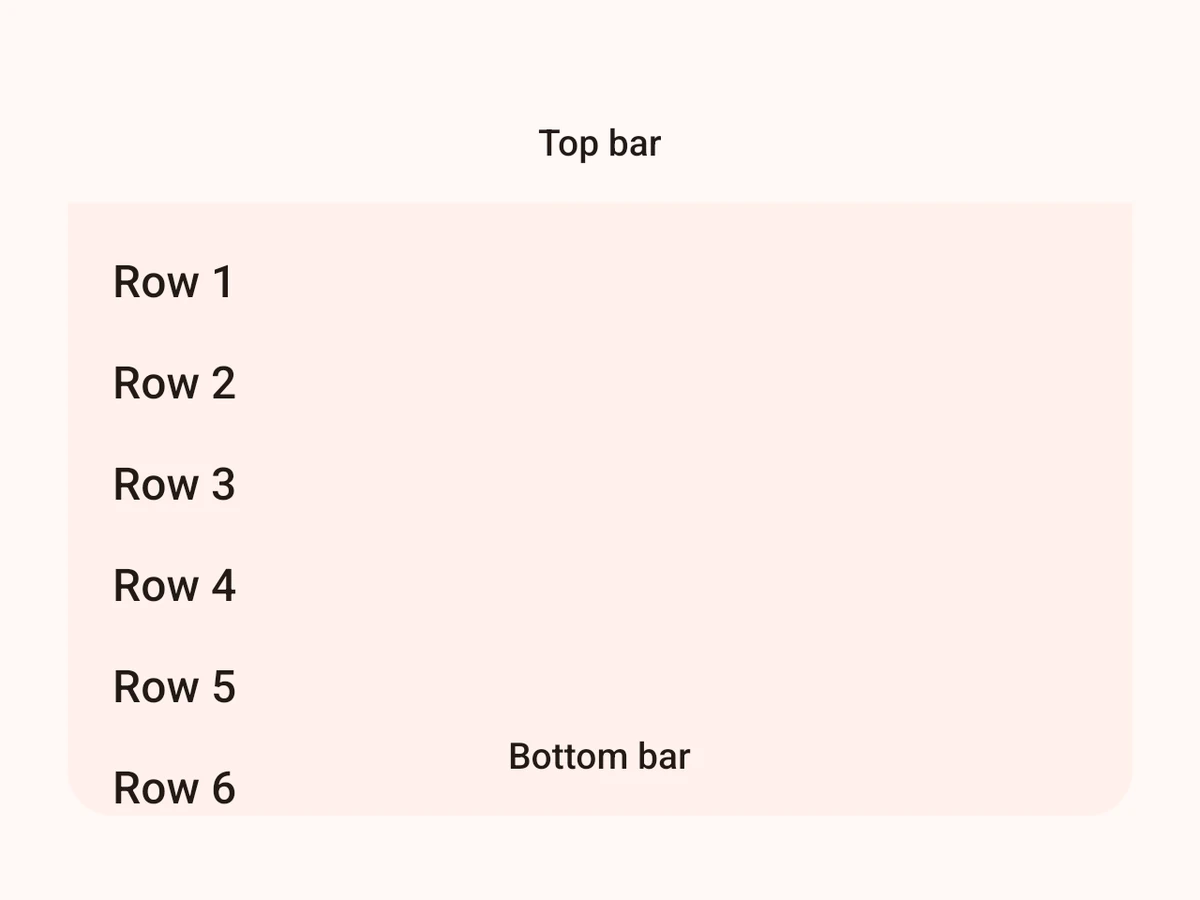
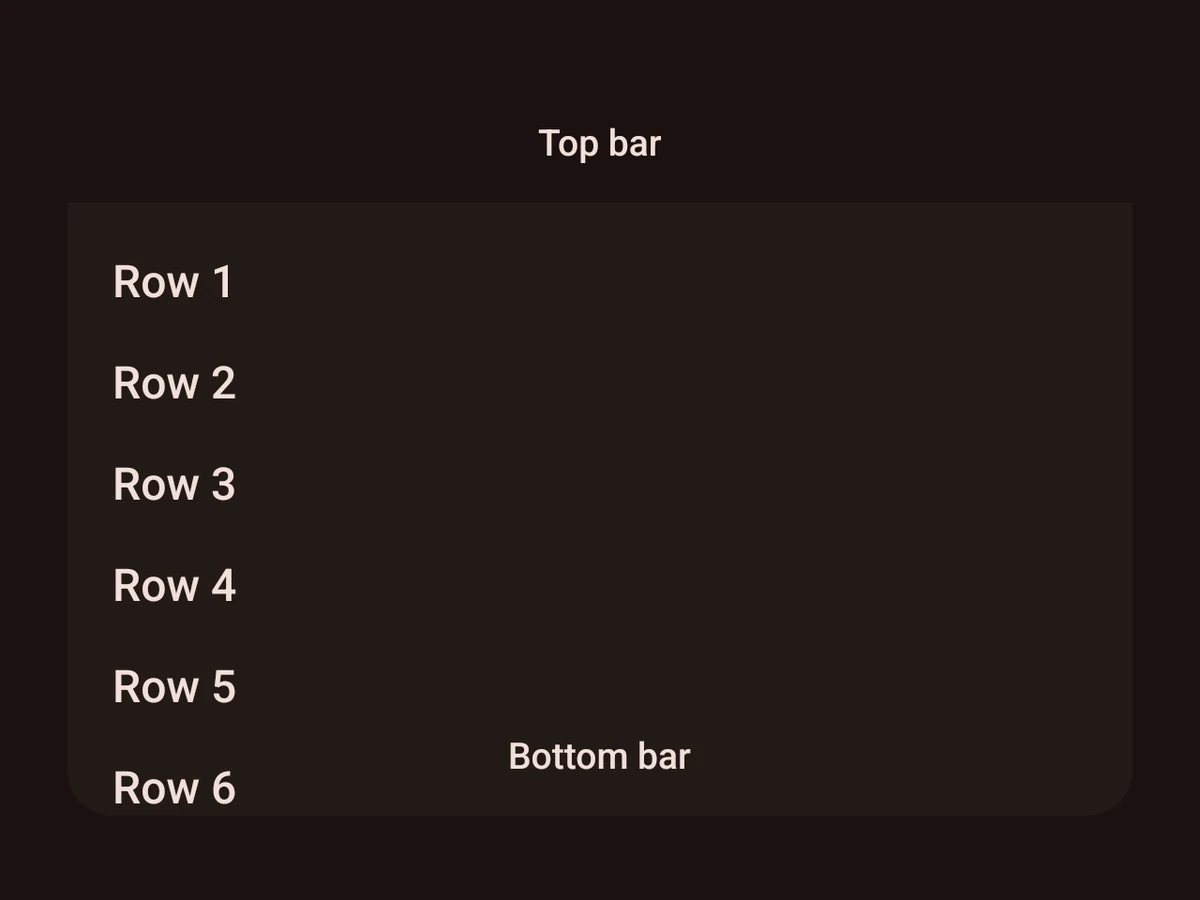
isScrollEdgeEffectAvailable()and give them a background. - Android has no effect, so the bars stack above and below the scroll view instead of over it.