Tabs
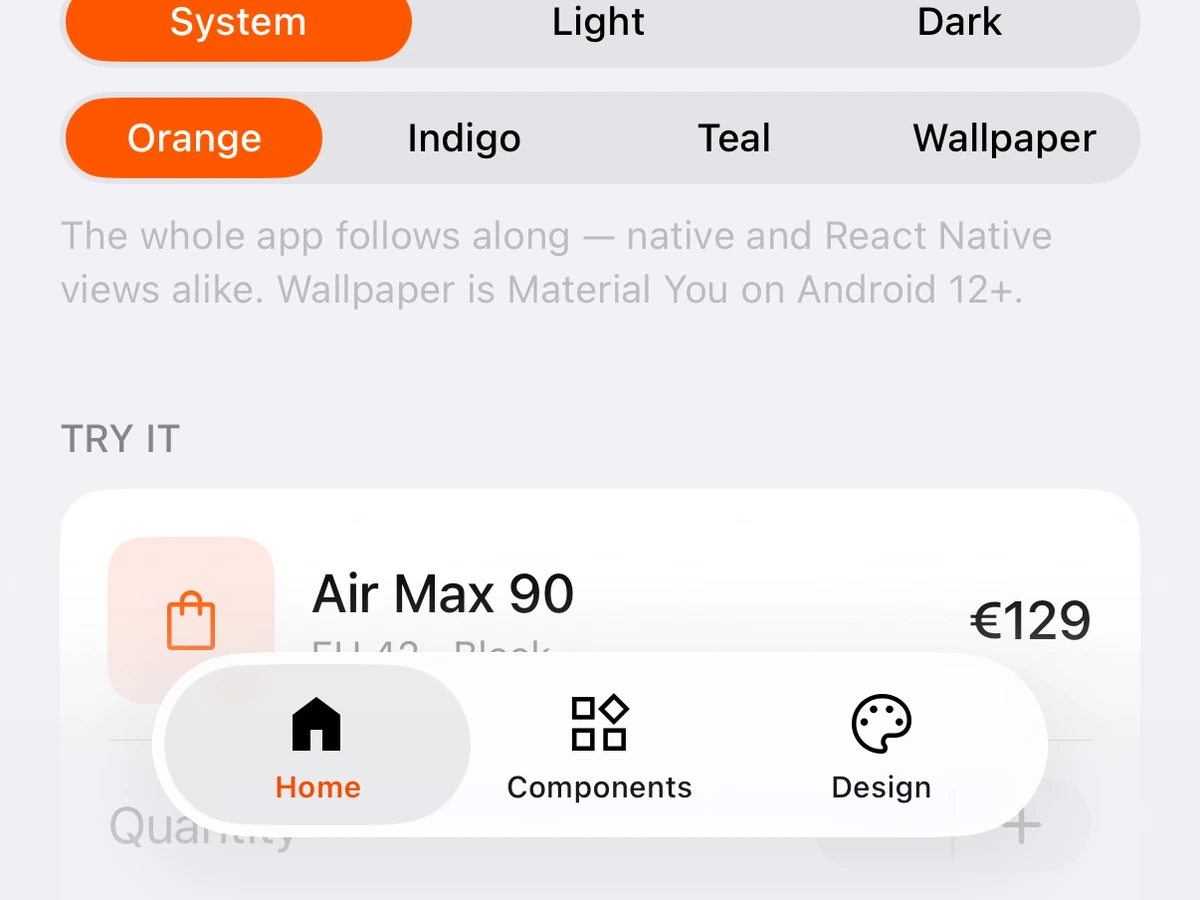
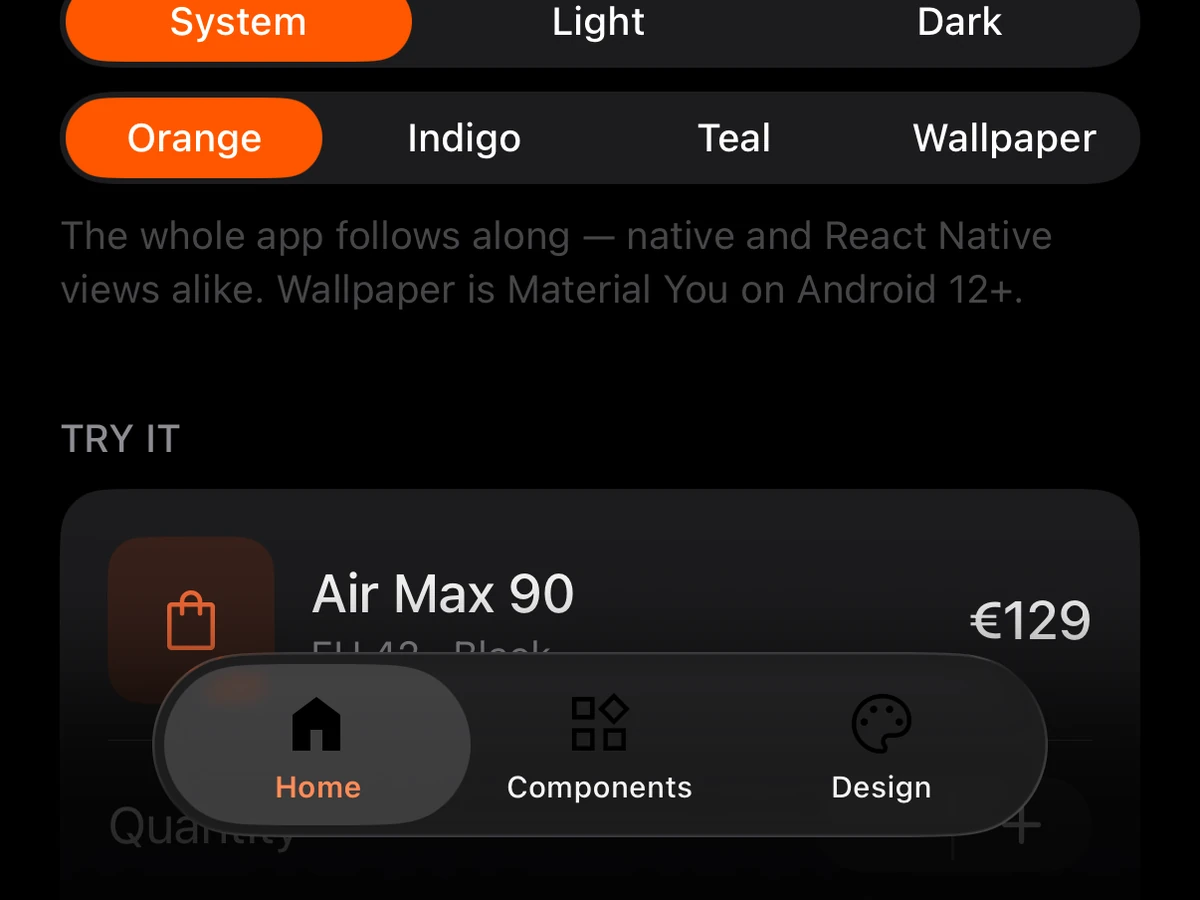
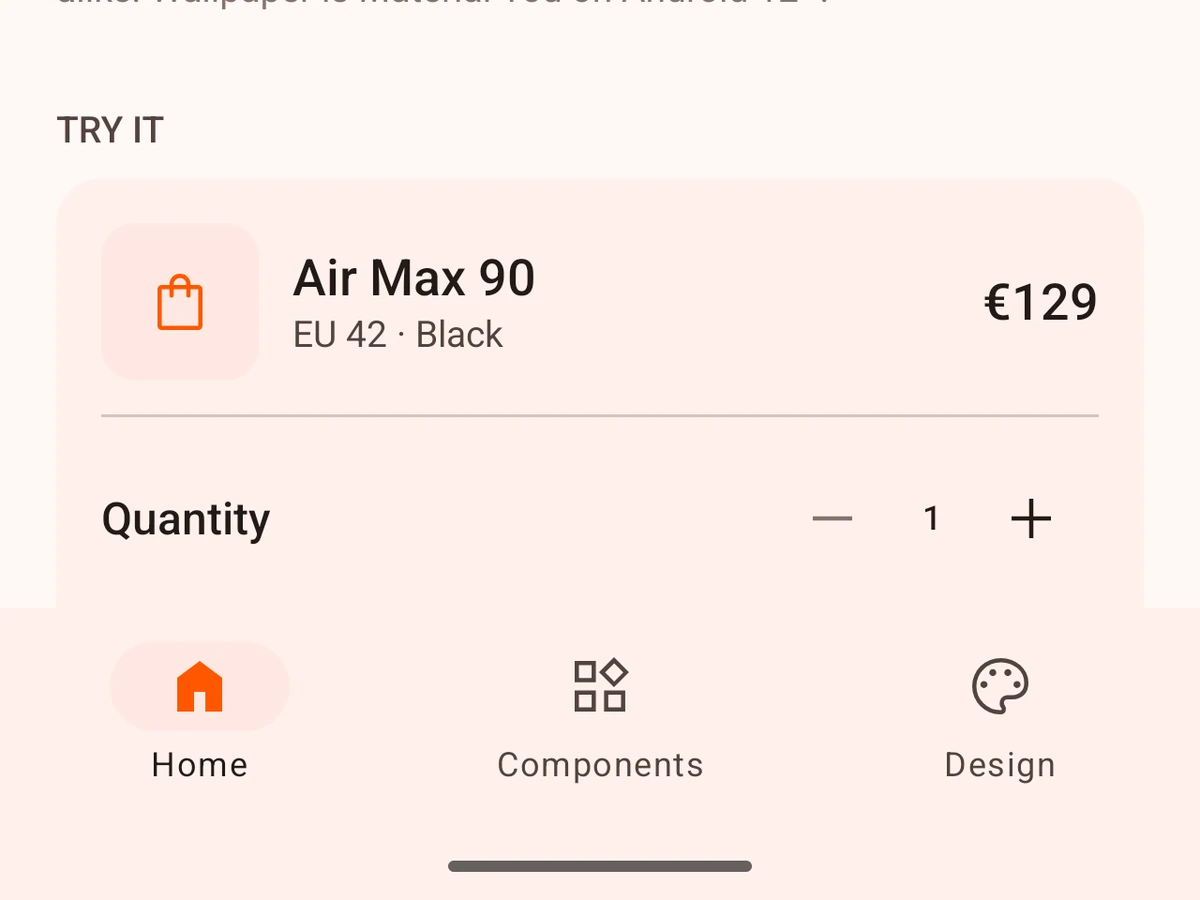
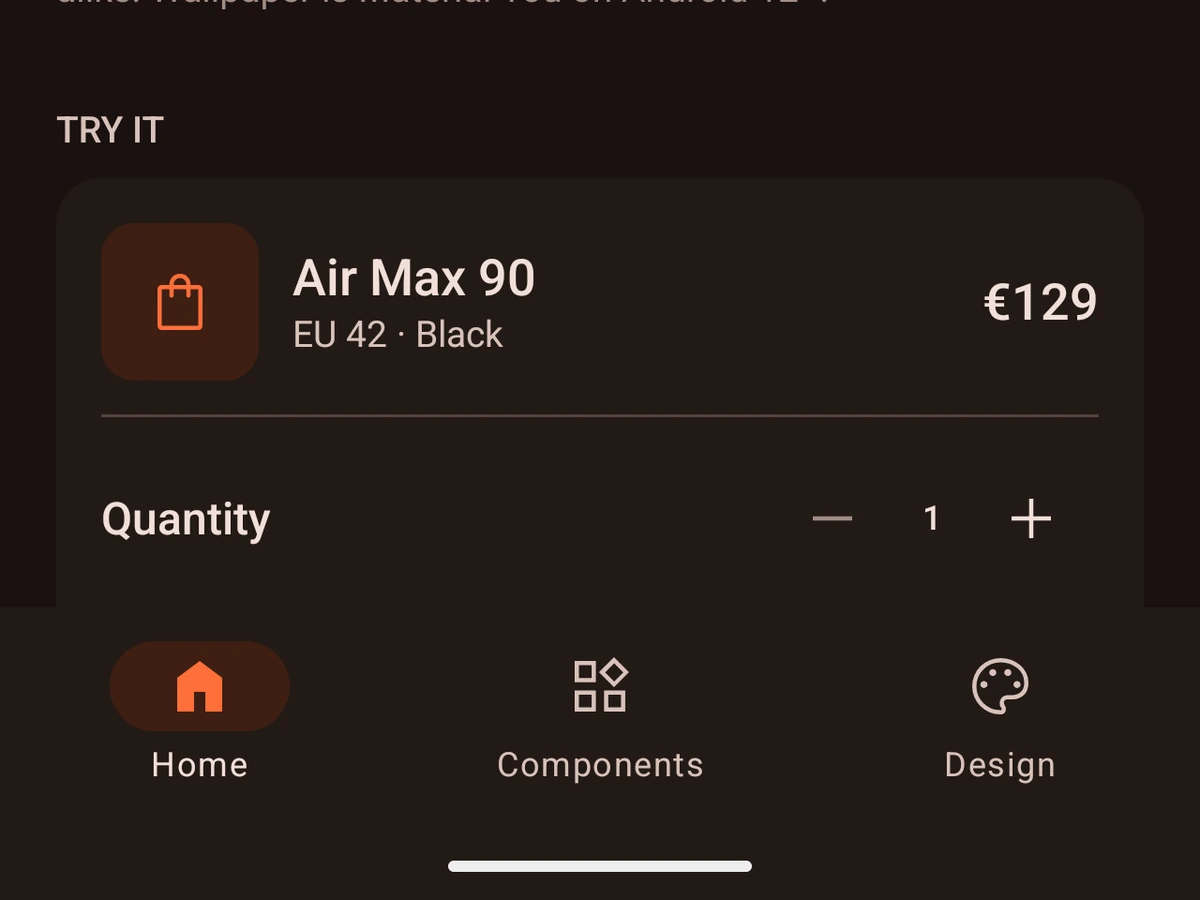
Native tabs for Expo Router.
Import
import {Tabs} from '@hzblj/kara-ui/router'Props
Native bottom tabs for an Expo Router layout, on Expo Router's native tabs: the system tab bar on iOS, Material's navigation bar on Android, both in the theme's colours.
| Prop | Type | Default | Description |
|---|---|---|---|
| children* | ReactNode | — | One |
| minimizeBehavior | 'automatic' | 'never' | 'onScrollDown' | 'onScrollUp' | 'never' | Whether the iOS 26 tab bar shrinks to a pill while scrolling. Off by default, unlike the system, which minimizes on scroll. Minimizing changes the tab bar's height mid-gesture, and a native tabs screen re-insets the first scroll view inside it to match — so the content shifts under the finger every time the scroll direction changes, and every list in the app inherits that. Opt in per screen once the content is built to absorb it. |
One Tabs.Screen per child route; any other child goes to the navigator as it is.
Whether the iOS 26 tab bar shrinks to a pill while scrolling.
Off by default, unlike the system, which minimizes on scroll. Minimizing changes the tab bar's height mid-gesture, and a native tabs screen re-insets the first scroll view inside it to match — so the content shifts under the finger every time the scroll direction changes, and every list in the app inherits that. Opt in per screen once the content is built to absorb it.
Tabs.Screen
One tab of Tabs: the route it opens, its icon and its title. It renders nothing — Tabs reads its props.
| Prop | Type | Description |
|---|---|---|
| icon* | IconName | One of the app's icons — the asset-catalog image on iOS, the vector drawable on Android. |
| name* | string | The child route the tab opens, by its Expo Router name. |
| title* | string | The tab's label in the bar. |
| hidden | boolean | Drops the tab from the bar and makes the route unreachable by navigation. Prefer this over conditionally rendering the screen: every child route needs a declared tab, and toggling this at runtime remounts the navigator, so pass a build constant. |
| selectedIcon | IconName | Swapped in while the tab is active — the filled counterpart of |
| testID | string | Test identifier of the tab's bar item — its accessibility identifier on iOS, its view tag on Android. |
One of the app's icons — the asset-catalog image on iOS, the vector drawable on Android.
The child route the tab opens, by its Expo Router name.
The tab's label in the bar.
Drops the tab from the bar and makes the route unreachable by navigation. Prefer this over conditionally rendering the screen: every child route needs a declared tab, and toggling this at runtime remounts the navigator, so pass a build constant.
Test identifier of the tab's bar item — its accessibility identifier on iOS, its view tag on Android.
Platform notes
- An Expo Router layout, on Expo Router’s native tabs: the system tab bar on iOS, Material’s navigation bar on Android, both in the theme’s colours.
- Every child route needs a
Tabs.Screen.hiddendrops a tab and makes its route unreachable. - The iOS 26 bar does not minimise on scroll unless you ask with
minimizeBehavior.