NavigationBar
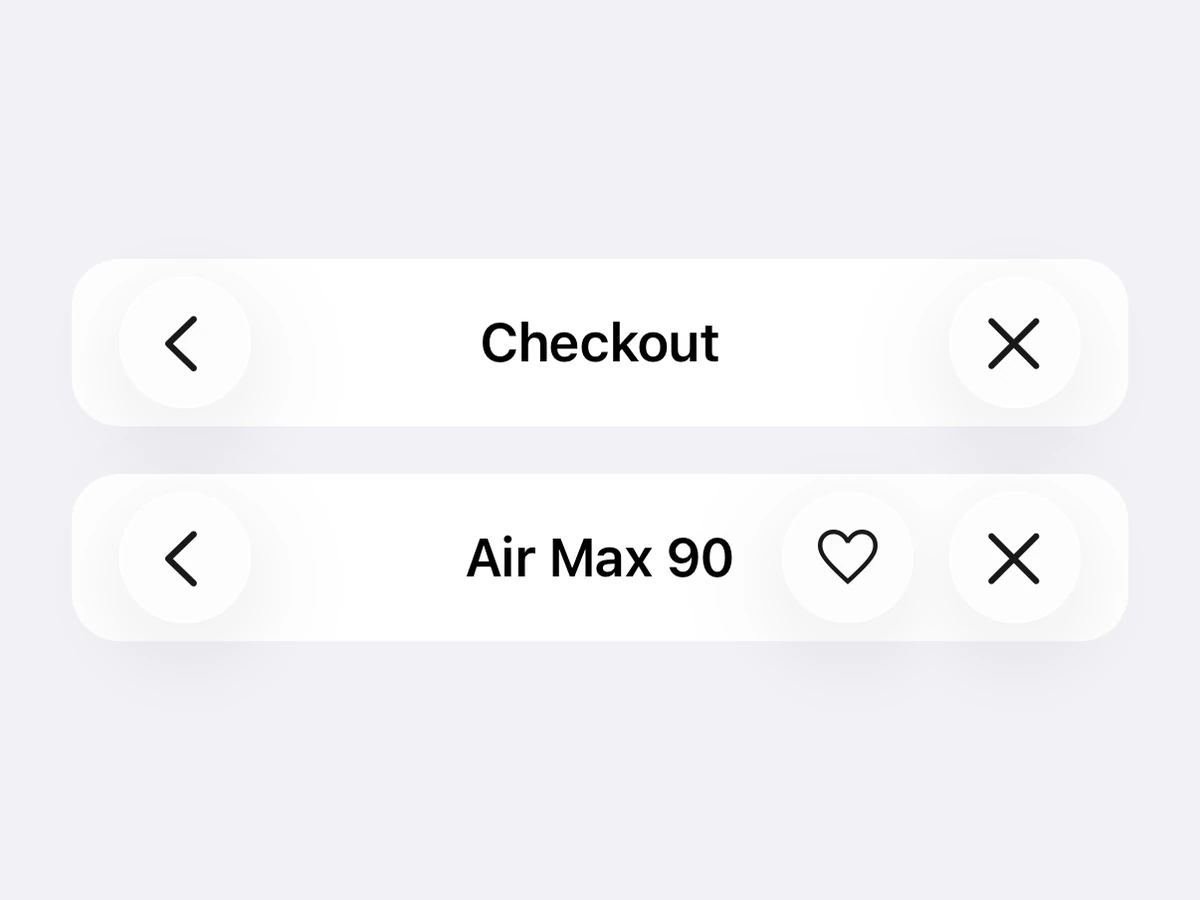
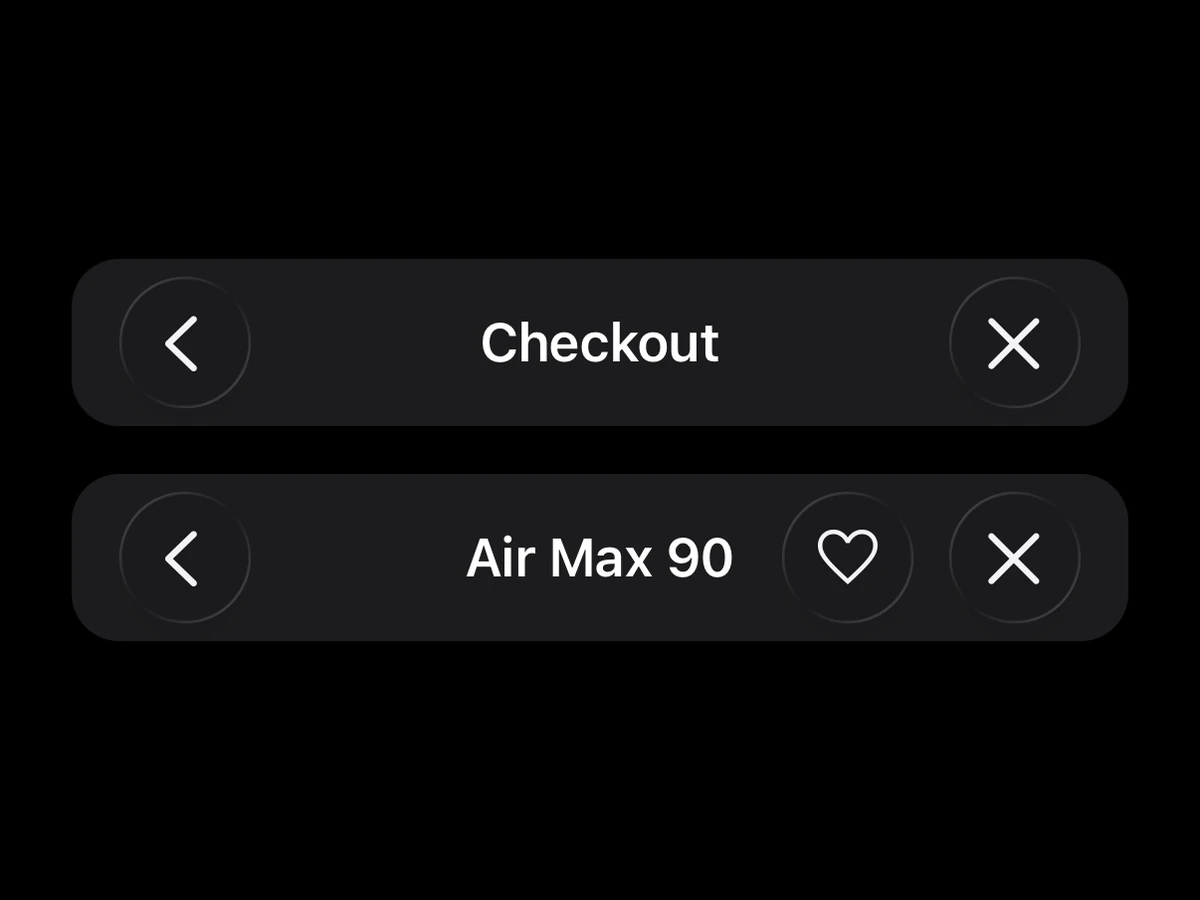
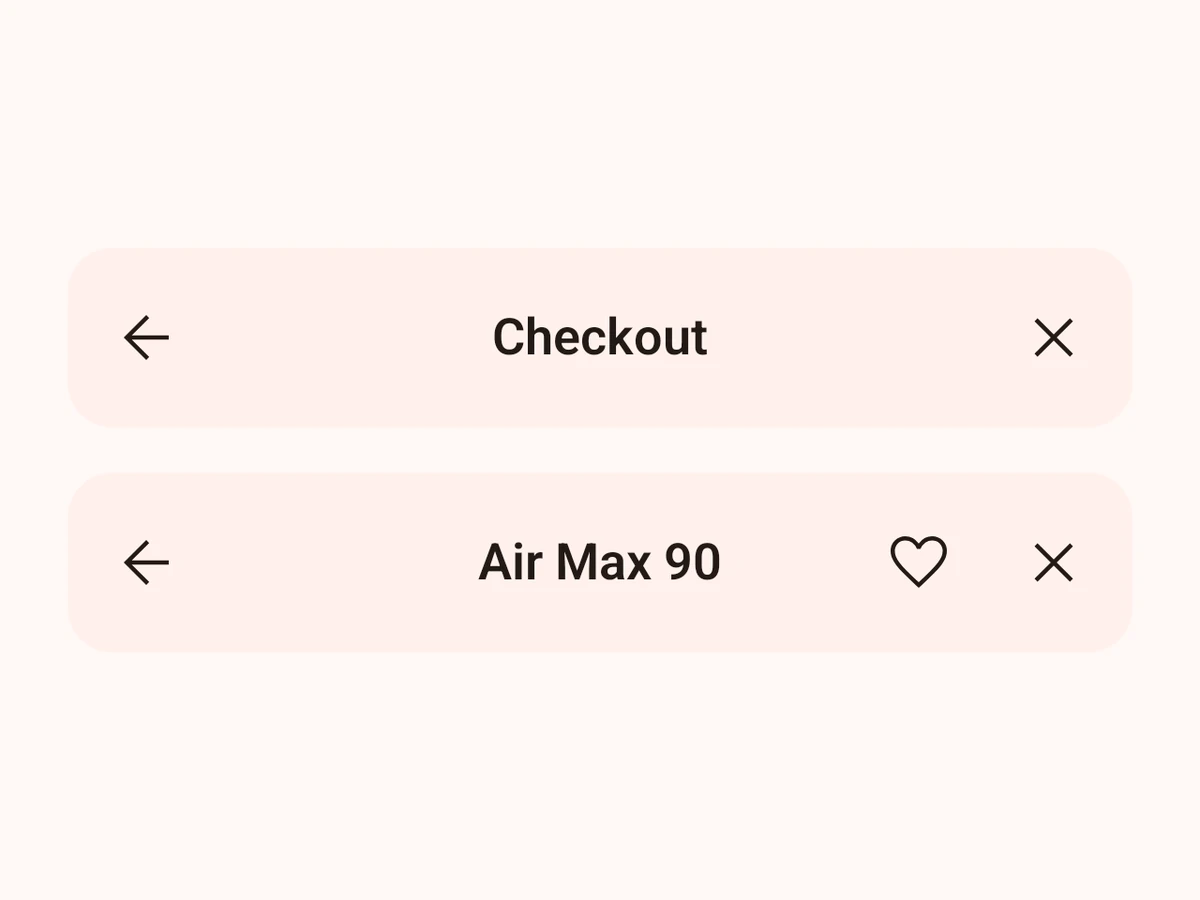
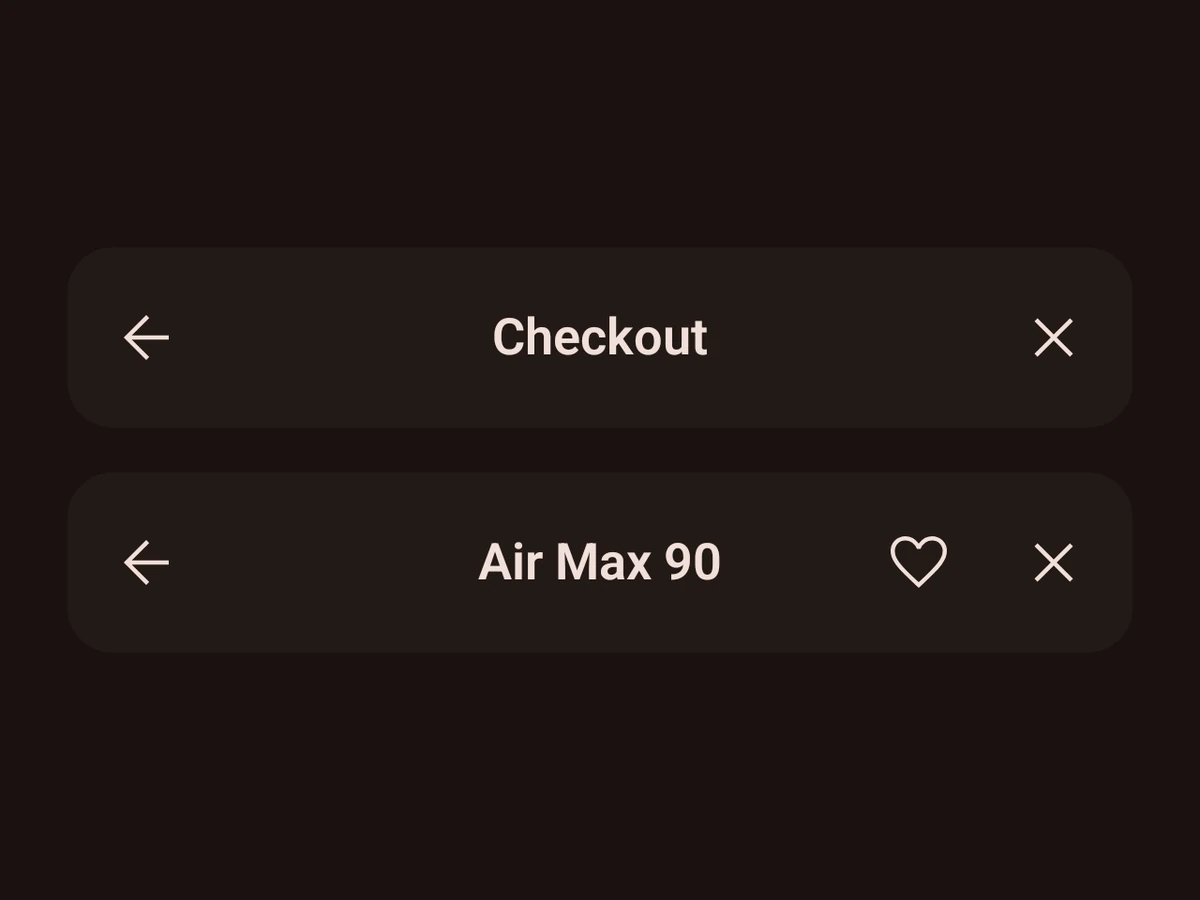
A title with items on either side — a real navigation bar outside a navigation stack.
Import
import {NavigationBar, type NavigationBarItem} from '@hzblj/kara-ui'Props
A title with items on either side, for a header that is not a navigation screen's — Sheet.Header is built on it. On iOS a standalone UINavigationBar, so the items press and render exactly like a native-stack header's: on iOS 26 neighbours share a glass capsule instead of swelling as standalone glass buttons do. On Android Material's top app bar. Where an item goes is the caller's choice — the bar places nothing by itself, so a close can sit on either side. The React Native tier: it needs no host.
| Prop | Type | Default | Description |
|---|---|---|---|
| inverted | boolean | false | Light items and title, for a bar laid over an image or a dark hero. |
| leadingItems | NavigationBarItem[] | — | In screen order, from the leading edge. |
| search | NavigationBarSearch | — | Replaces the title with a search field (iOS). |
| testID | string | — | Test identifier, forwarded to the native bar. iOS only — Android ignores it. |
| title | string | — | The bar's title. |
| titleAlignment | 'center' | 'leading' | 'center' |
|
| titleVisible | boolean | true | Fades the title out and in without moving the items — for a large title that scrolls under the bar. |
| trailingItems | NavigationBarItem[] | — | In screen order, toward the trailing edge. |
Light items and title, for a bar laid over an image or a dark hero.
Replaces the title with a search field (iOS).
Test identifier, forwarded to the native bar. iOS only — Android ignores it.
The bar's title.
center by default — iOS's own; leading is Material's top app bar.
Fades the title out and in without moving the items — for a large title that scrolls under the bar.
Platform notes
- For a header that is not a navigation screen —
Sheet.Headeris built on it. - iOS: a standalone
UINavigationBar; on iOS 26 neighbours share one glass capsule, andseparatedgives an item its own. - Android: Material’s top app bar.
searchreplaces the title on iOS only. - It places nothing: items go on the side and in the order you give them.