Stacks
VStack, HStack and ZStack lay native views out in a column, a row or layers.
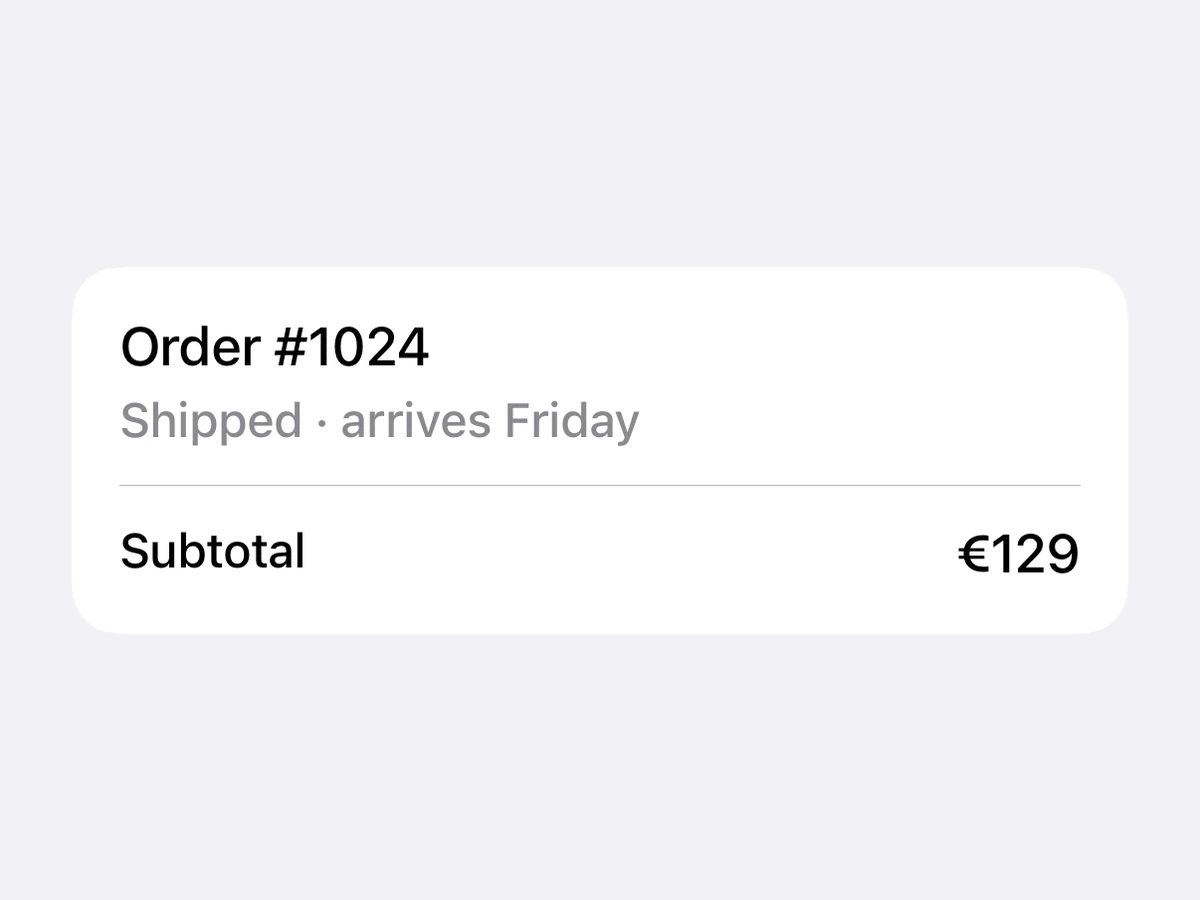

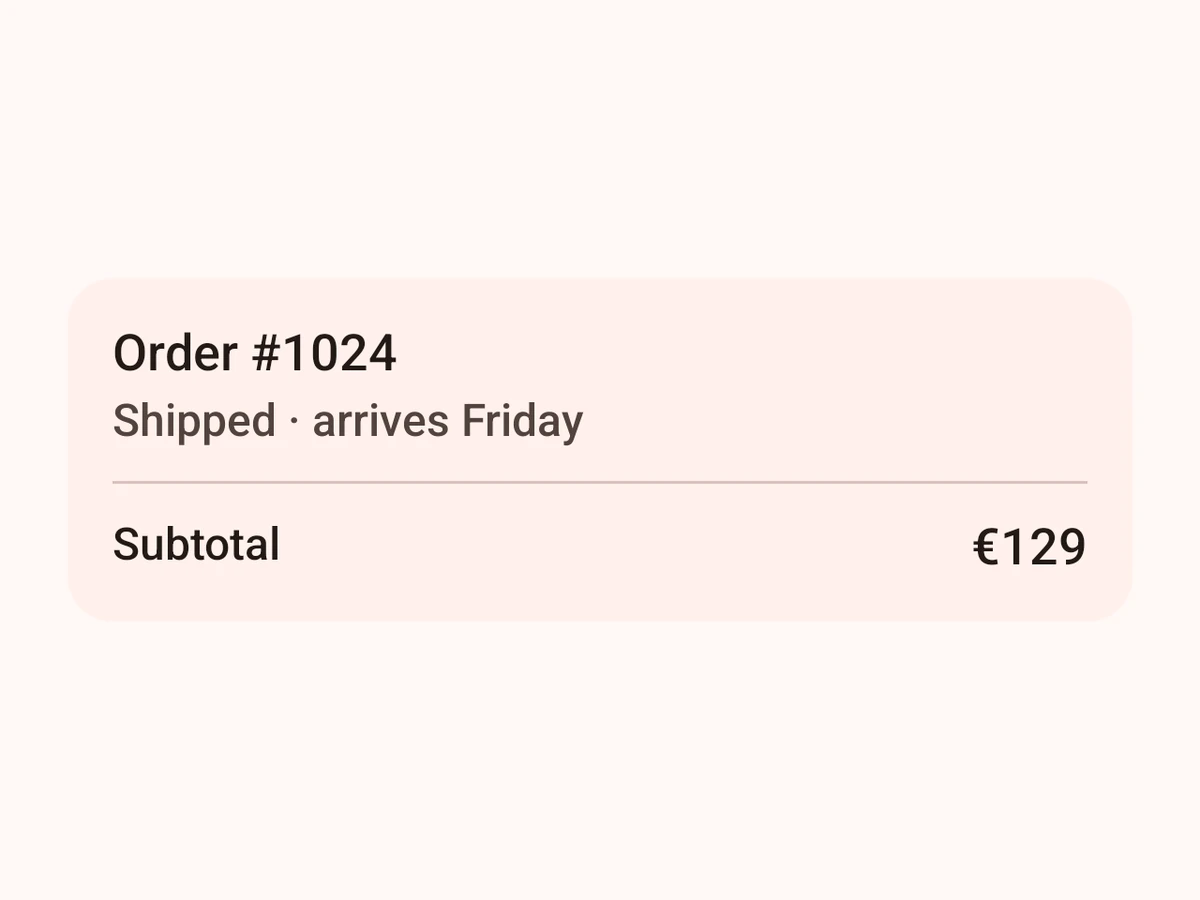
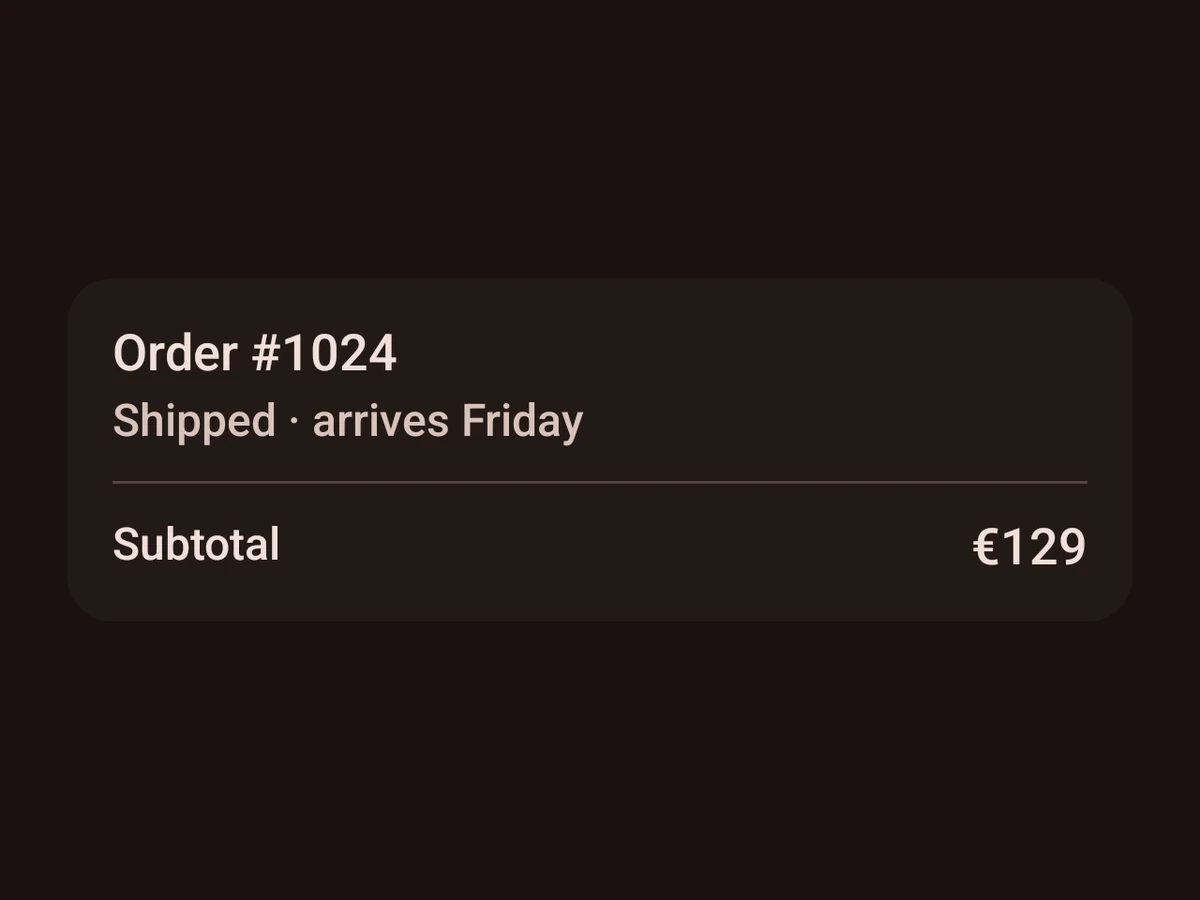
Import
import {VStack, HStack, ZStack, Spacer, Divider} from '@hzblj/kara-ui'VStack
Stacks its children top to bottom — SwiftUI VStack / Compose Column.
Also takes the native `sx` props.
| Prop | Type | Default | Description |
|---|---|---|---|
| align | 'center' | 'end' | 'start' | 'start' | The children's horizontal alignment. |
| children | ReactNode | — | Laid out top to bottom, |
| onPress | () => void | — | Makes the whole stack pressable. iOS adds a tap gesture with no press feedback; Android a |
| spacing | SpaceSize | — | The space between children. |
| testID | string | — | Test identifier, forwarded to the native view. |
The children's horizontal alignment. start by default.
Laid out top to bottom, spacing apart.
Makes the whole stack pressable. iOS adds a tap gesture with no press feedback; Android a clickable whose ripple fills the stack's shape.
Test identifier, forwarded to the native view.
HStack
A horizontal stack — SwiftUI HStack / Compose Row.
Also takes the native `sx` props.
| Prop | Type | Default | Description |
|---|---|---|---|
| align | 'center' | 'end' | 'start' | 'start' | How the children line up vertically — |
| children | ReactNode | — | Native views, laid out from the leading edge. |
| onPress | () => void | — | Makes the stack pressable — a tap gesture on iOS, a |
| spacing | SpaceSize | — | The gap between children. Unset, SwiftUI puts its default spacing between them and Compose none. |
| testID | string | — | Test identifier, forwarded to the native view. |
How the children line up vertically — start is the top, end the bottom. start by default.
Native views, laid out from the leading edge.
Makes the stack pressable — a tap gesture on iOS, a clickable with Material's ripple on Android.
The gap between children. Unset, SwiftUI puts its default spacing between them and Compose none.
Test identifier, forwarded to the native view.
ZStack
Layers its children on one another — SwiftUI ZStack / Compose Box.
Also takes the native `sx` props.
| Prop | Type | Default | Description |
|---|---|---|---|
| align | 'bottom' | 'center' | 'top' | 'center' | Where the children sit vertically; they are always centred horizontally. |
| children | ReactNode | — | Drawn in order, the last on top. |
| onPress | () => void | — | Makes the whole stack pressable. iOS adds a tap gesture with no press feedback; Android a |
| testID | string | — | Test identifier, forwarded to the native view. |
Where the children sit vertically; they are always centred horizontally. center by default.
Drawn in order, the last on top.
Makes the whole stack pressable. iOS adds a tap gesture with no press feedback; Android a clickable whose ripple fills the stack's shape.
Test identifier, forwarded to the native view.
Spacer
Takes up the free space in a stack — SwiftUI Spacer / Compose Spacer with weight(1).
| Prop | Type | Description |
|---|---|---|
| min | SpaceSize | The least room it takes. iOS holds it along the stack's axis; Android as a minimum height only. |
| testID | string | iOS: forwarded to the native view. Android ignores it. |
The least room it takes. iOS holds it along the stack's axis; Android as a minimum height only.
iOS: forwarded to the native view. Android ignores it.
Divider
A horizontal hairline — SwiftUI Divider / Compose HorizontalDivider.
| Prop | Type | Default | Description |
|---|---|---|---|
| color | ColorToken | 'border.tertiary' | The line's colour. |
| testID | string | — | Test identifier, forwarded to the native view on iOS — Android ignores it. |
Test identifier, forwarded to the native view on iOS — Android ignores it.
Platform notes
- Native stacks take the native
sxsurface:spacingrather thangap,wideandtallrather than flex. - A stack with
onPressis pressable, and on Android its ripple covers the whole shape, padding included. Spacereats the free space;spacingis the fixed gap. AZStackdraws its last child on top.