Screen
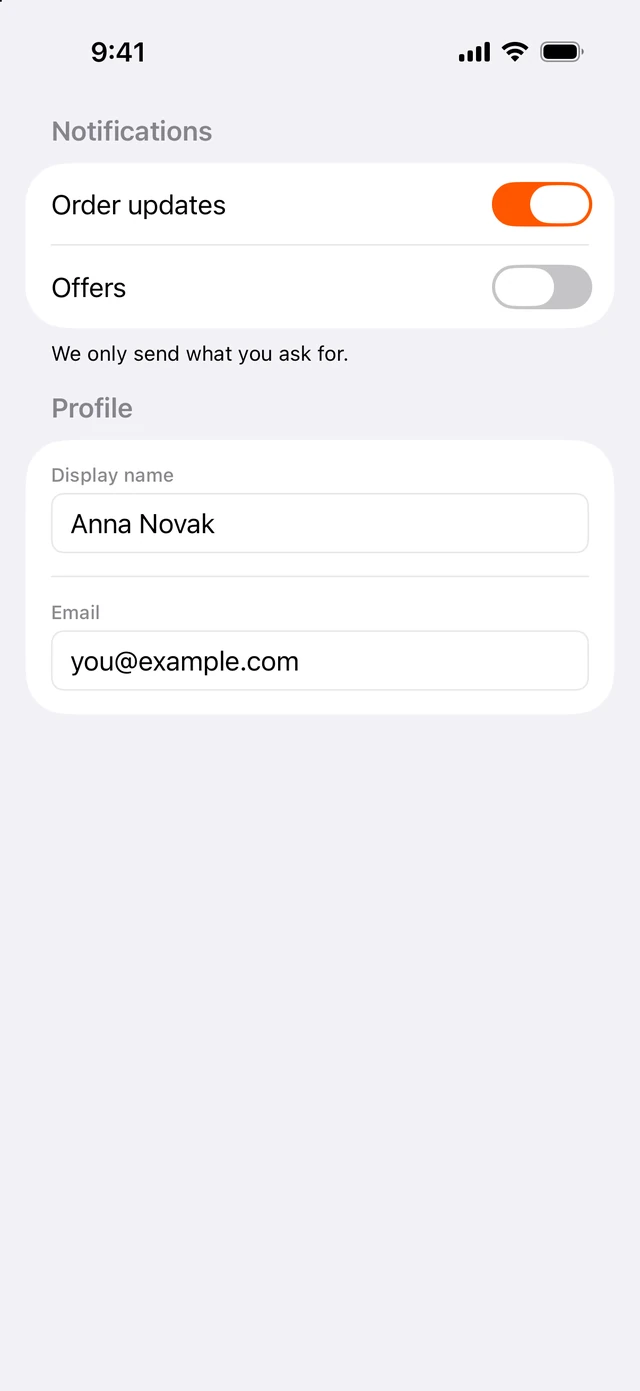
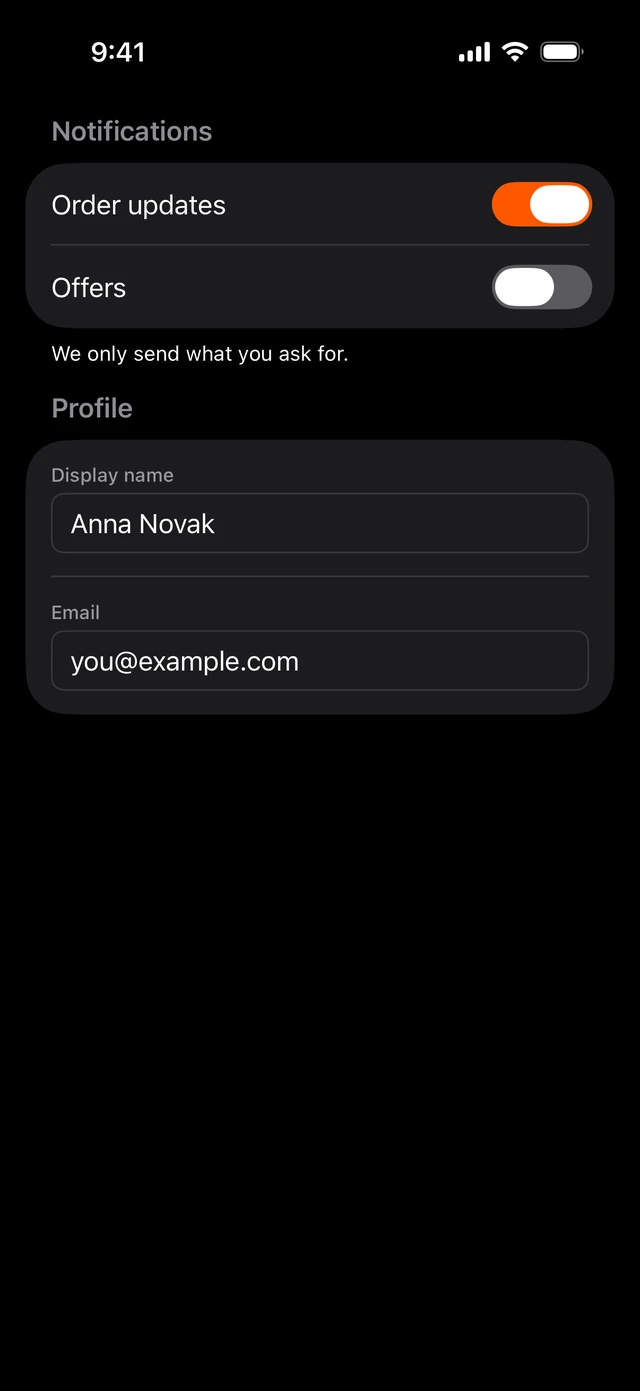
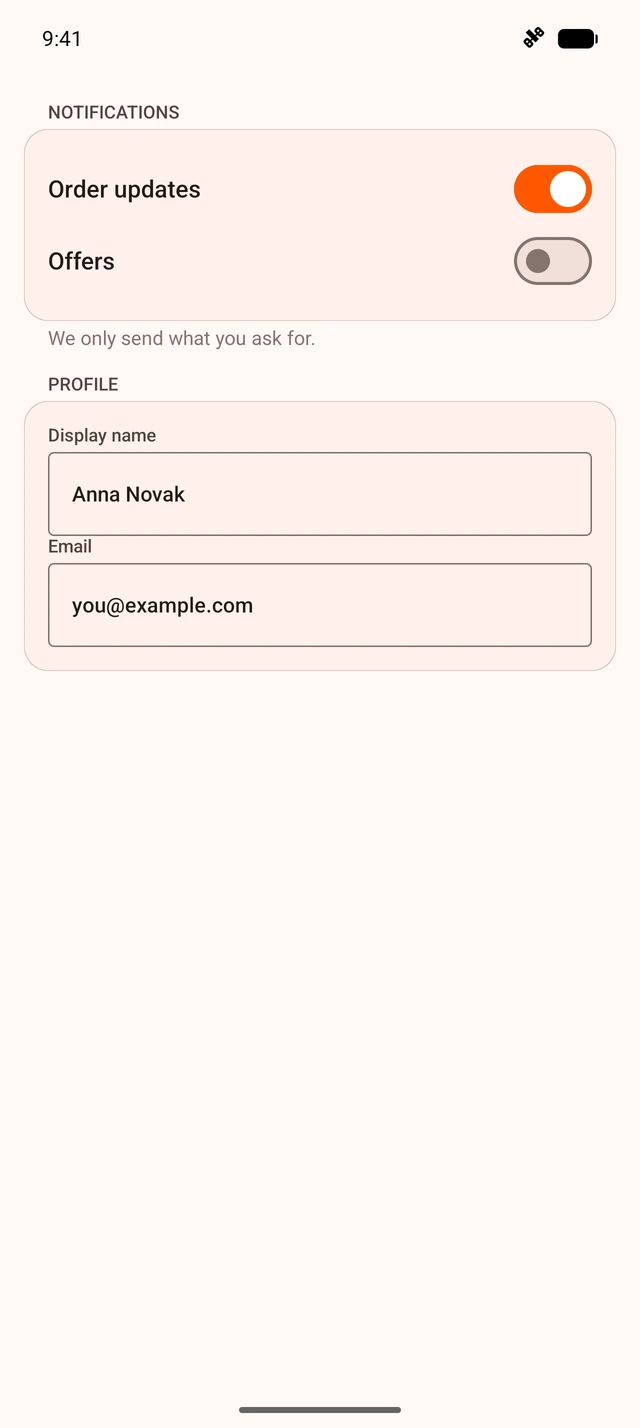
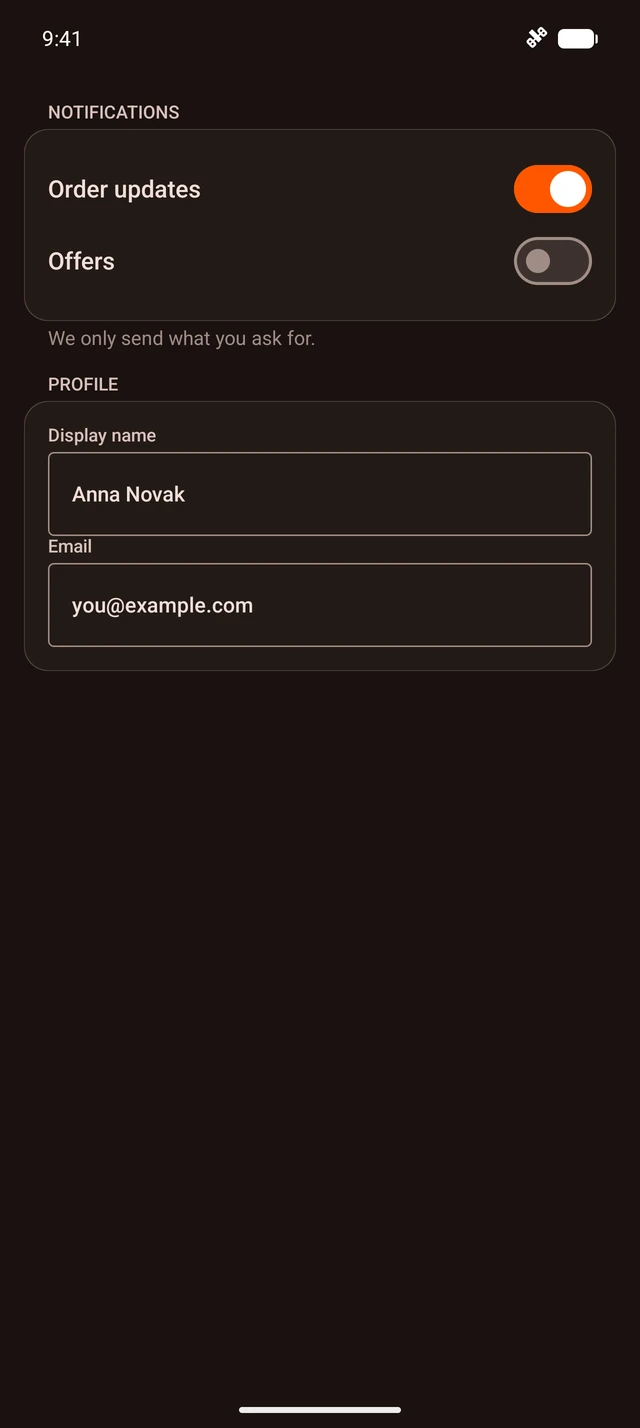
A whole screen of native views.
Import
import {Screen} from '@hzblj/kara-ui'Props
The full-bleed native host a screen starts with — a SwiftUI or Compose Host filling its parent, so native atoms render anywhere inside it. The background runs to the edges; the content keeps clear of the status bar where the screen covers it (no navigation bar above), on Android as SwiftUI's safe area does on iOS.
| Prop | Type | Default | Description |
|---|---|---|---|
| bg | Sx['bg'] | 'surface.base' | The screen's colour. |
| children | ReactNode | — | Laid out in a column that fills the screen. |
| ignoreKeyboardInset | boolean | — | Keeps the content where it is when the keyboard opens, instead of avoiding it. Android reads it once, on mount. |
| testID | string | — | Test identifier — on the host view on iOS, on the view around it on Android. |
The screen's colour. surface.base by default.
Laid out in a column that fills the screen.
Keeps the content where it is when the keyboard opens, instead of avoiding it. Android reads it once, on mount.
Test identifier — on the host view on iOS, on the view around it on Android.
Platform notes
- The full-bleed native host a screen starts with. Everything inside is native layout — for a React Native page with native islands, use
RnScrollViewandIslandinstead. - The background runs to the edges; the content keeps clear of the status bar wherever the screen covers it — SwiftUI’s safe area on iOS, measured by kara on Android, where the app is edge to edge.