DatePicker
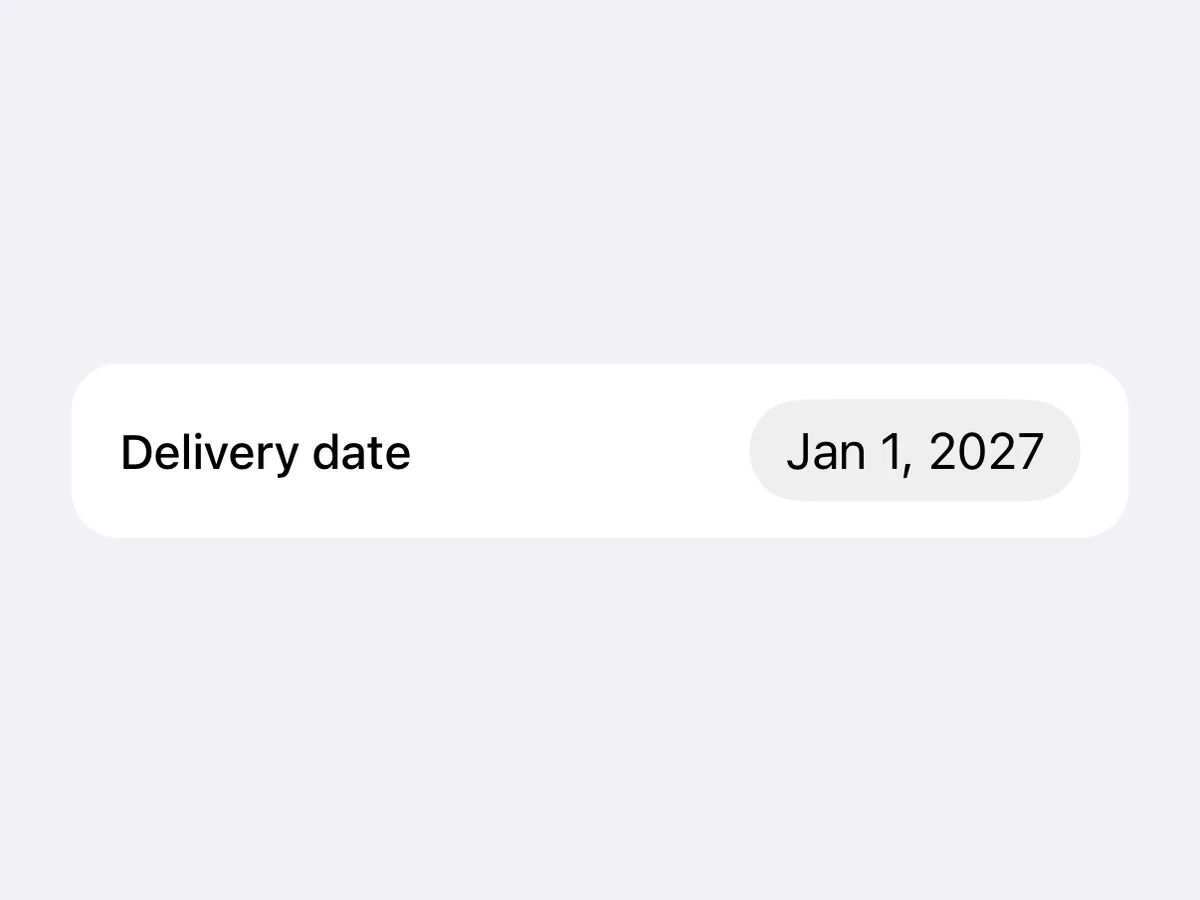
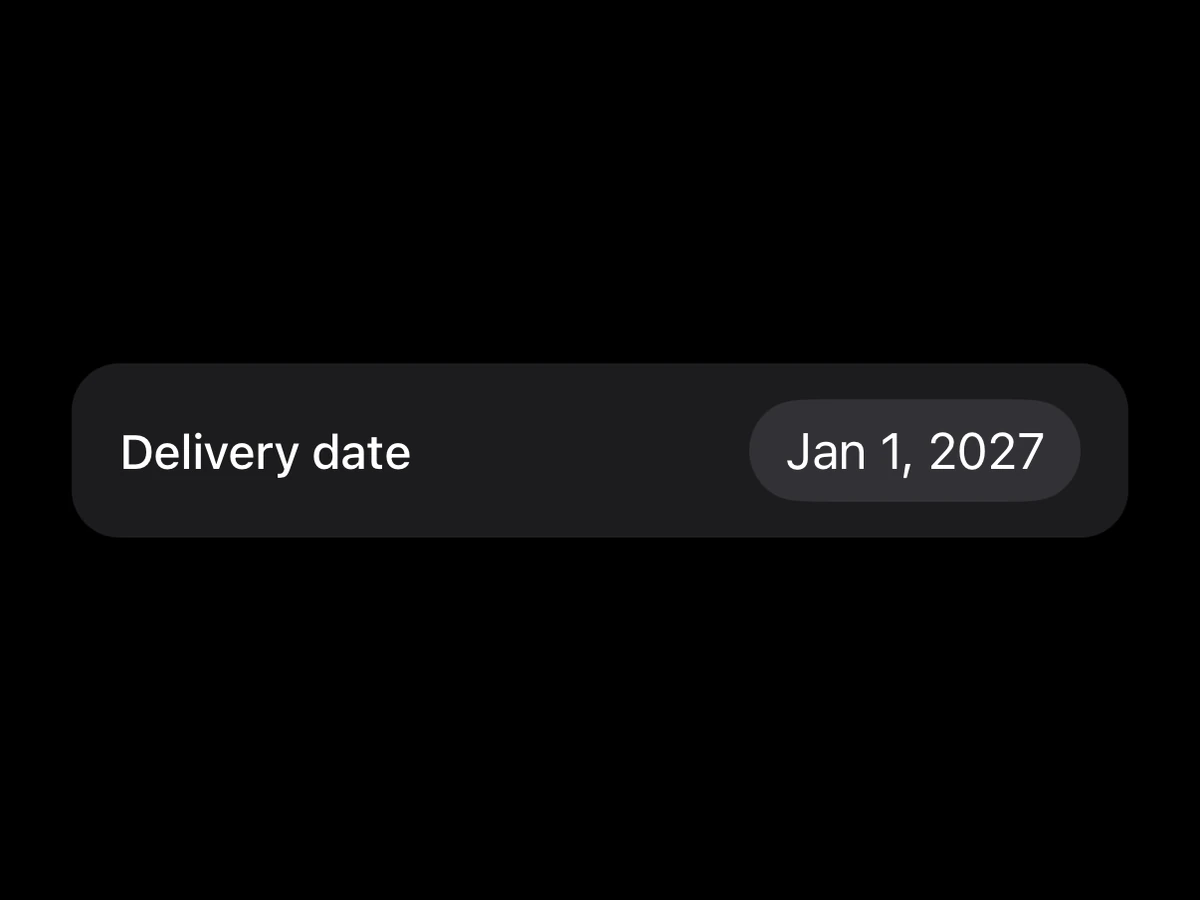
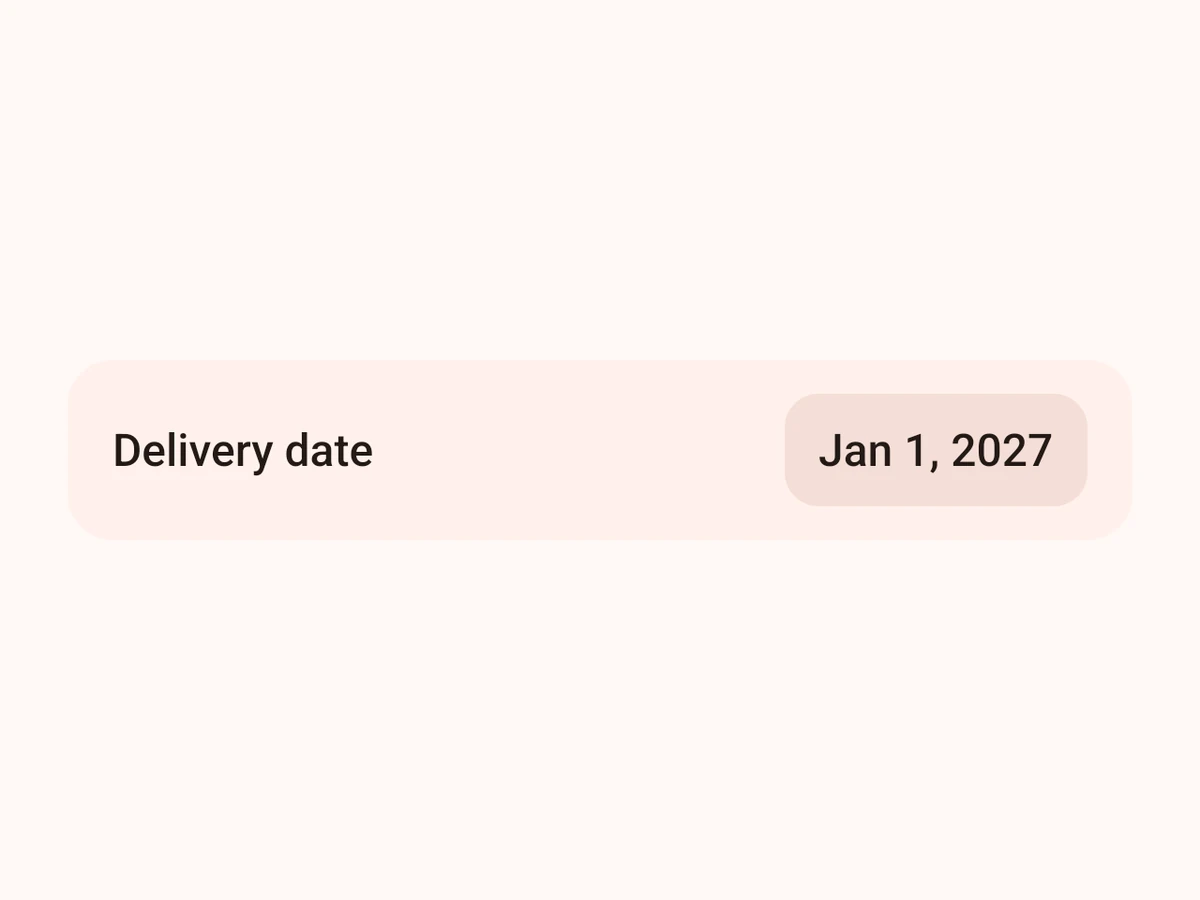
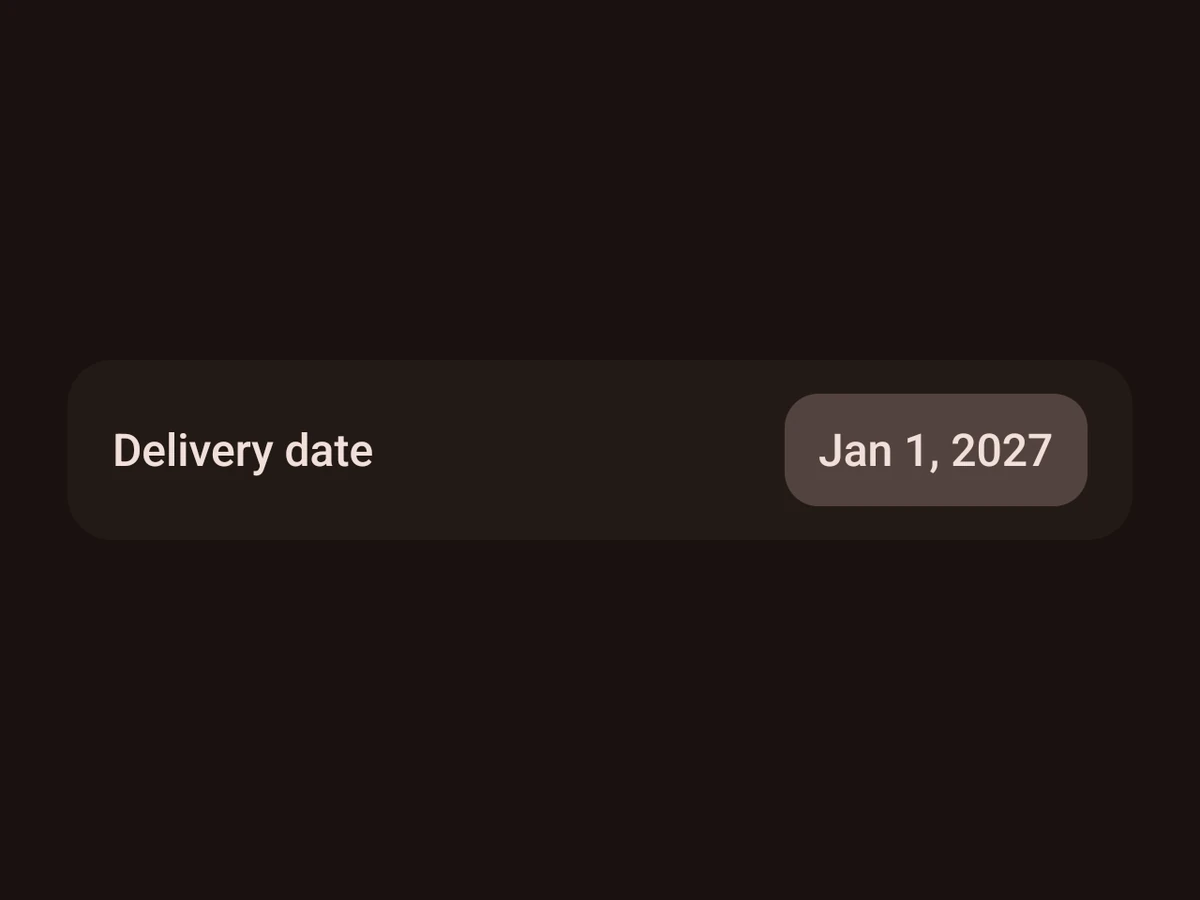
A date, picked from the platform’s own calendar.
Import
import {DatePicker} from '@hzblj/kara-ui'Examples
Time
<DatePicker mode="time" onValueChange={setTime} value={time} />Props
A date or time picker — SwiftUI's compact DatePicker on iOS, a field that opens Material's picker dialog on a tap on Android. The React Native tier: it brings its own host and sizes itself to the value, so it sits in a row beside its label like a Text.
| Prop | Type | Default | Description |
|---|---|---|---|
| value* | Date | — | The selected date. Controlled — update it from |
| max | Date | — | The latest date that can be picked. Android ignores it in |
| min | Date | — | The earliest date that can be picked. Android ignores it in |
| mode | 'date' | 'datetime' | 'time' | 'date' | What it picks. |
| onValueChange | (date: Date) => void | — | Called with the new date — on iOS as it changes, on Android when the dialog is confirmed. |
| testID | string | — | Test identifier — on the native picker on iOS, on the tappable field on Android. |
The selected date. Controlled — update it from onValueChange.
The latest date that can be picked. Android ignores it in time mode.
The earliest date that can be picked. Android ignores it in time mode.
What it picks. date by default. Android has no combined dialog, so there datetime picks the date and keeps value's time of day.
Called with the new date — on iOS as it changes, on Android when the dialog is confirmed.
Test identifier — on the native picker on iOS, on the tappable field on Android.
Platform notes
- iOS shows a compact field that opens the calendar; Android a field that opens Material’s date dialog.
- It sizes itself to its value — put it at the end of a row, beside its label.
- Android reports the date once the dialog is confirmed; iOS as it changes.