BlurView
The system materials — what sheets, bars, menus and HUDs are made of.
Import
import {BlurView} from '@hzblj/kara-ui'Examples
Vibrant content (iOS)
<BlurView material="ultraThick" vibrancy="secondary">…</BlurView>A dark HUD over any screen
<BlurView appearance="dark" material="thin">…</BlurView>Props
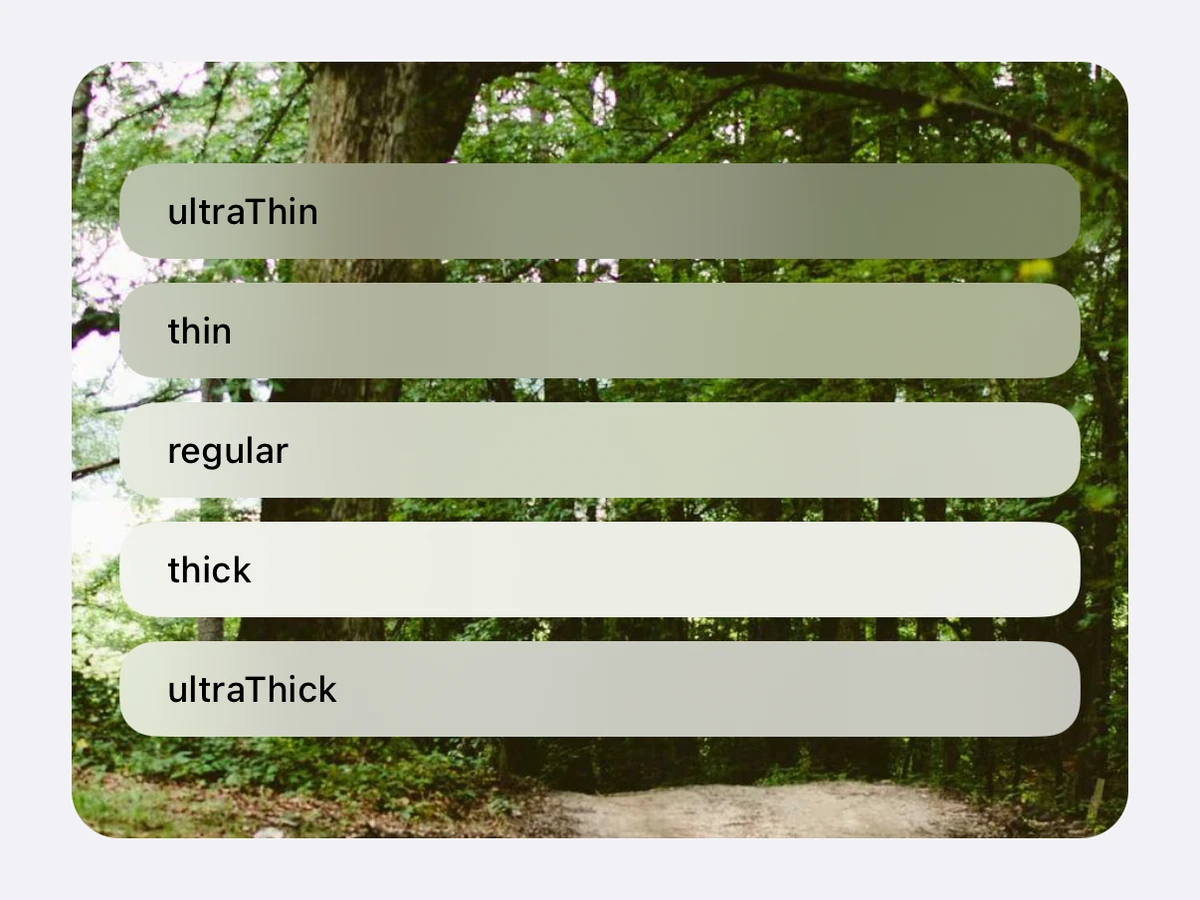
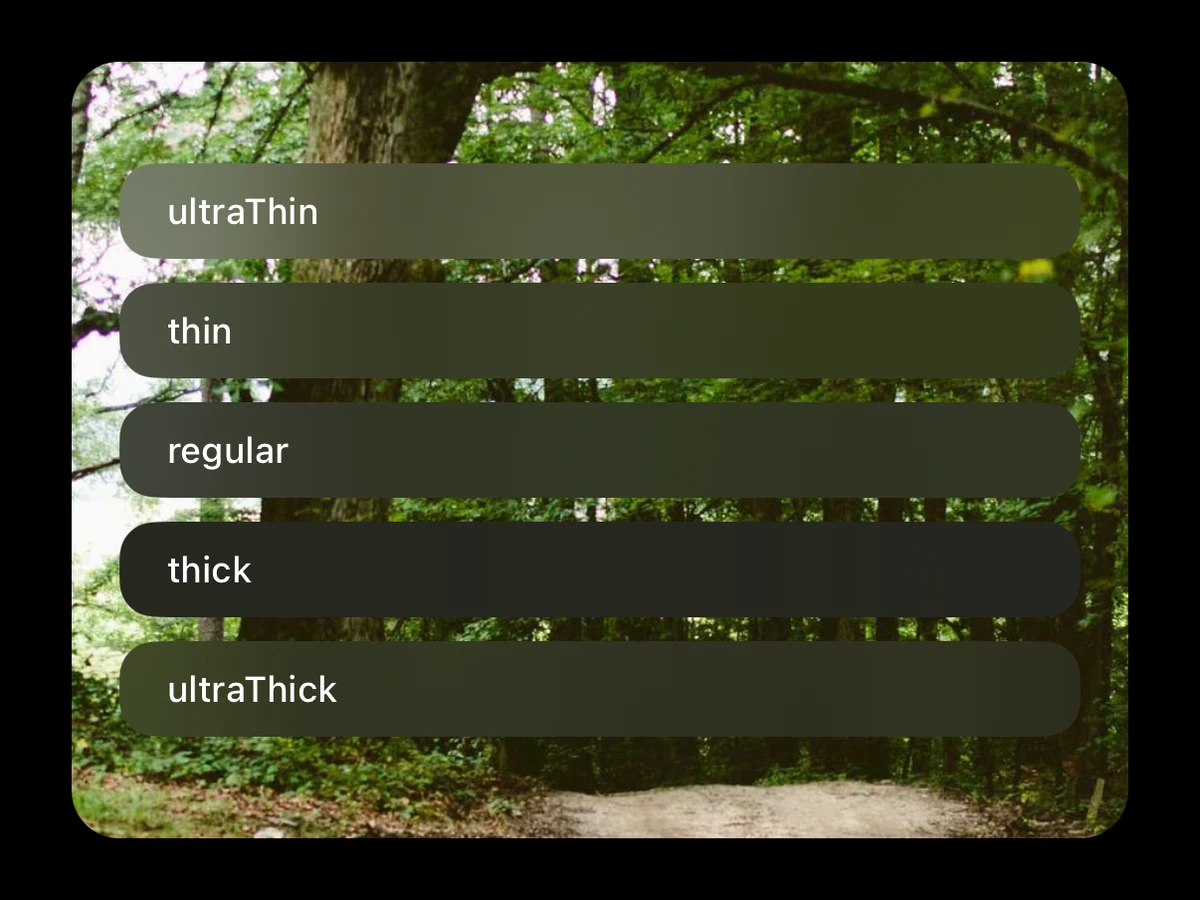
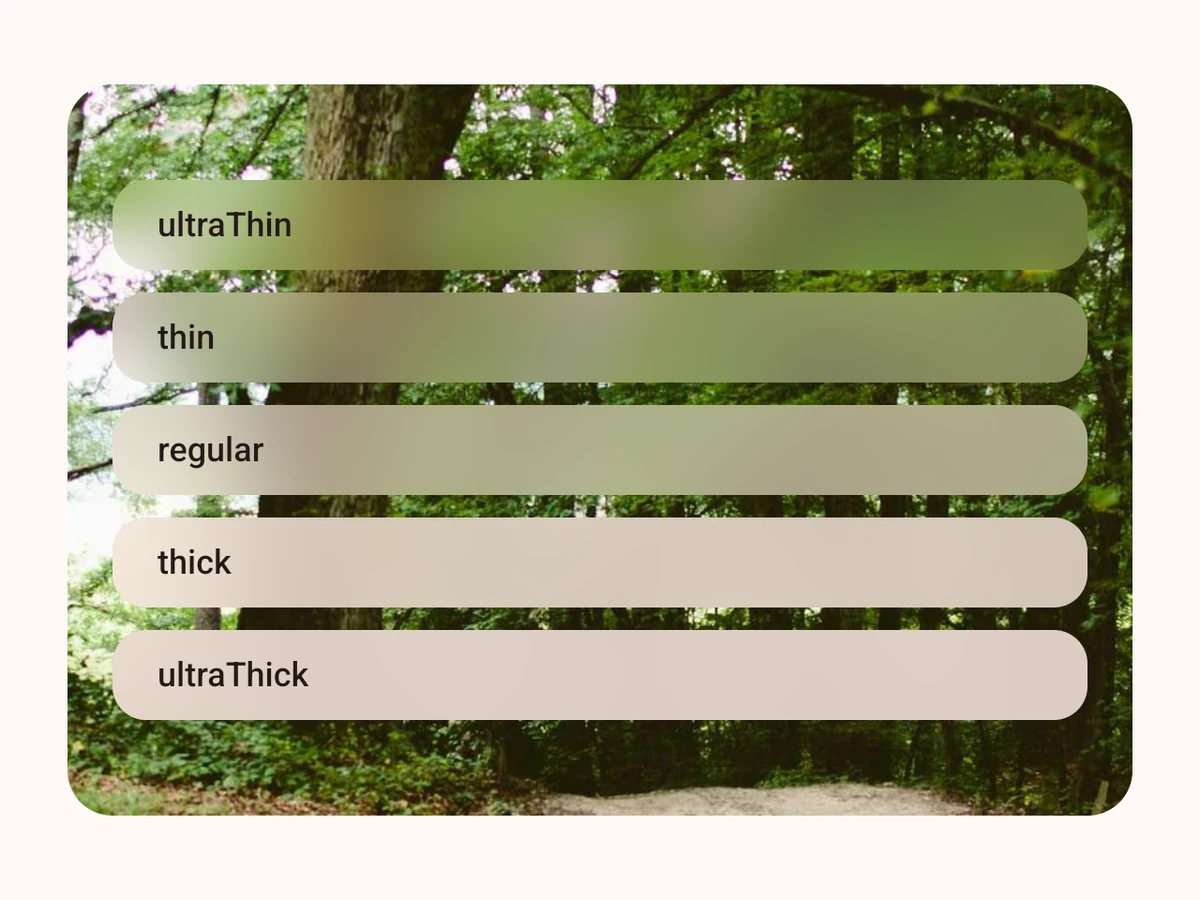
One of the system's materials behind React Native content — what sheets, bars, menus and HUDs are made of, in SwiftUI's five thicknesses. iOS: UIKit's system*Material blur, with optional vibrancy for the content. Android: what lies behind, blurred and saturated (Android 12+), under a Material tonal surface as thick as the material — surface at ultraThin up to surfaceContainerHighest at ultraThick; below Android 12 the surface alone. The React Native tier: it needs no host, so it suits a list cell. Shape it with borderRadius; it clips its children.
Also takes the React Native `sx` props.
| Prop | Type | Default | Description |
|---|---|---|---|
| appearance | 'dark' | 'light' | — | Pins the material to light or dark whatever the app's appearance — a dark HUD over a light screen. Unset, it follows the app theme. Android draws the opposite appearance with Material's inverse surface. |
| children | ReactNode | — | React Native content, over the material. |
| material | BlurMaterial | 'regular' | How much of what lies behind shows through, from |
| testID | string | — | Test identifier, forwarded to the view. |
| vibrancy | BlurVibrancy | — | iOS: draws the children vibrant at this level, the way iOS draws its own labels and fills on a material — their colour becomes the material's vibrant one and their alpha the mask. Android has no vibrancy: the children keep their colours there. |
Pins the material to light or dark whatever the app's appearance — a dark HUD over a light screen. Unset, it follows the app theme. Android draws the opposite appearance with Material's inverse surface.
React Native content, over the material.
How much of what lies behind shows through, from ultraThin (most) to ultraThick (least). regular by default.
Test identifier, forwarded to the view.
iOS: draws the children vibrant at this level, the way iOS draws its own labels and fills on a material — their colour becomes the material's vibrant one and their alpha the mask. Android has no vibrancy: the children keep their colours there.
Platform notes
- The five system materials, by SwiftUI’s names —
ultraThin,thin,regular,thick,ultraThick— as a UIKit view on iOS: no host, cheap enough for a list cell. vibrancydraws the content the way iOS draws its own on a material: its colour becomes the material’s vibrant one at that level, its alpha the mask. iOS only.- Android has the same five, in its own terms: what lies behind, blurred and saturated (Android 12+), under a Material tonal surface that rises from
surfacetosurfaceContainerHighestas the material thickens. Below Android 12 the surface alone, near-opaque. appearancepins a material to light or dark whatever the app’s — Android draws the opposite one with Material’s inverse surface.